


wp:paragraph
Apple TV is known for its seamless streaming capabilities, but when it comes to browsing the internet, things aren’t quite as straightforward.
/wp:paragraph
wp:paragraph
If you’re wondering whether there’s a native web browser on Apple TV, the short answer is no, but there are workarounds.
/wp:paragraph
wp:image {“id”:45134,”width”:”664px”,”height”:”auto”,”sizeSlug”:”large”,”linkDestination”:”none”,”align”:”center”}

/wp:image
wp:heading
Why Doesn’t Apple TV Have a Native Web Browser?
/wp:heading
wp:paragraph
Apple has deliberately chosen not to include a built-in browser like Safari on Apple TV.
/wp:paragraph
wp:paragraph
Their focus is on curated, app-based experiences that are optimized for TV screens and remotes.
/wp:paragraph
wp:paragraph
Apple believes web search with a remote control isn’t ideal, so they haven’t prioritized adding a traditional browser.
/wp:paragraph
wp:heading
Alternative Ways to Browse the Web on Apple TV
/wp:heading
wp:image {“id”:45133,”width”:”630px”,”height”:”auto”,”sizeSlug”:”large”,”linkDestination”:”none”,”align”:”center”}
/wp:image
wp:paragraph
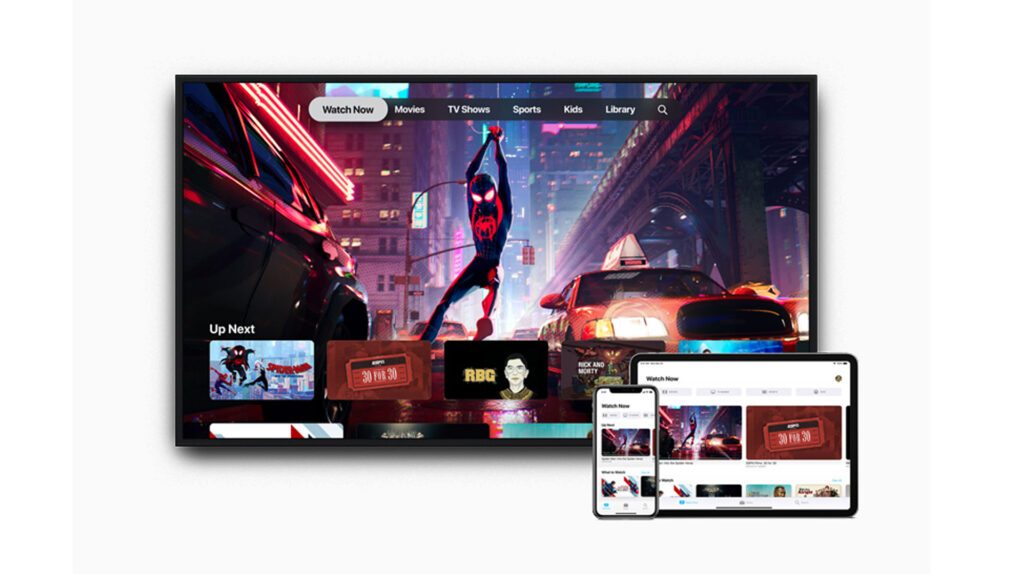
While there’s no native solution, users can still browse the web using a few effective alternatives:
/wp:paragraph
wp:heading {“level”:3}
1. AirPlay Screen Mirroring
/wp:heading
wp:paragraph
How It Works:
/wp:paragraph
wp:paragraph
Use AirPlay to mirror your iPhone, iPad, or Mac screen to your Apple TV. Open Safari or any browser on your device, and your TV will display the same content.
/wp:paragraph
wp:list
- wp:list-item
- Pros: Simple, reliable, uses your familiar device interface
- Cons: Requires another Apple device; can drain your device’s battery
/wp:list-item
wp:list-item
/wp:list-item
/wp:list
wp:heading {“level”:3}
2. Third-Party Apps
/wp:heading
wp:paragraph
Though limited, some apps offer web browsing features either through direct browsing or casting.
/wp:paragraph
wp:table
| App Name | Key Features | Availability |
| AirWeb | iOS device acts as a trackpad/remote for Apple TV | App Store |
| AirBrowser | Mirrors iOS browsing with a TV-optimized UI | App Store |
| Web Video Caster | Casts web videos and content from browser to Apple TV | App Store |
| Castify | Basic screen mirroring plus web page casting | App Store |
/wp:table
wp:list
- wp:list-item
- Pros: Directly installable; enables some browsing features
- Cons: Limited interface, not as smooth as native browsing
/wp:list-item
wp:list-item
/wp:list-item
/wp:list
wp:heading {“level”:3}
3. Cloud Gaming Services (Advanced Users)
/wp:heading
wp:paragraph
Platforms like GeForce Now or Xbox Cloud Gaming can be used to access browsers via remote desktops.
/wp:paragraph
wp:list
- wp:list-item
- Pros: Full browser access via streamed desktop environments
- Cons: Requires a gaming subscription and fast internet; more setup involved
/wp:list-item
wp:list-item
/wp:list-item
/wp:list
wp:heading
Best Method for Most Users: AirPlay
/wp:heading
wp:paragraph
AirPlay remains the simplest and most consistent way to access web content on your Apple TV.
/wp:paragraph
wp:paragraph
It uses your existing Apple device to give you the full browsing experience—just on the big screen.
/wp:paragraph
wp:heading
Web Browser Compatibility on Apple TV
/wp:heading
wp:image {“id”:45136,”width”:”640px”,”height”:”auto”,”sizeSlug”:”full”,”linkDestination”:”none”,”align”:”center”}

/wp:image
wp:paragraph
Apple TV doesn’t support traditional browsers like Safari or Google Chrome. Instead, it relies on:
/wp:paragraph
wp:list
- wp:list-item
- AirPlay mirroring from iPhones, iPads, and Macs
- Third-party apps like AirBrowser and AirWeb
- Sideloaded browsers (for advanced users/developers using tools like Xcode)
/wp:list-item
wp:list-item
/wp:list-item
wp:list-item
/wp:list-item
/wp:list
wp:paragraph
Apps such as tvOSBrowser require sideloading and aren’t available in the App Store. While more powerful, they’re also more complex to install.
/wp:paragraph
wp:heading
Connecting Apple Devices to Apple TV
/wp:heading
wp:paragraph
Here’s how to display web content from other Apple devices on your Apple TV:
/wp:paragraph
wp:heading {“level”:3}
Using AirPlay (Wireless)
/wp:heading
wp:list
- wp:list-item
- On iPhone/iPad: Swipe down > Tap Screen Mirroring > Select Apple TV
- On Mac: Click the AirPlay icon in the menu bar > Choose Apple TV
/wp:list-item
wp:list-item
/wp:list-item
/wp:list
wp:heading {“level”:3}
Using HDMI (Wired Option)
/wp:heading
wp:paragraph
If AirPlay isn’t an option:
/wp:paragraph
wp:list
- wp:list-item
- Use a Lightning to HDMI or USB-C to HDMI adapter
- Plug into your TV and switch to the correct HDMI input
/wp:list-item
wp:list-item
/wp:list-item
/wp:list
wp:heading
User Interface and Search on Apple TV
/wp:heading
wp:heading {“level”:3}
Siri Remote Functions
/wp:heading
wp:list
- wp:list-item
- Touchpad: Swipe to scroll through pages
- Center Click: Select items
- Siri Button: Issue voice commands like “Open YouTube” or “Search recipes”
/wp:list-item
wp:list-item
/wp:list-item
wp:list-item
/wp:list-item
/wp:list
wp:heading {“level”:3}
Limitations
/wp:heading
wp:list
- wp:list-item
- No pinch-to-zoom
- Typing is tedious without an external keyboard
- Remote-based browsing is functional but limited
/wp:list-item
wp:list-item
/wp:list-item
wp:list-item
/wp:list-item
/wp:list
wp:heading
Developers: Building a Browser for Apple TV
/wp:heading
wp:image {“id”:45135,”width”:”658px”,”height”:”auto”,”sizeSlug”:”large”,”linkDestination”:”none”,”align”:”center”}
/wp:image
wp:paragraph
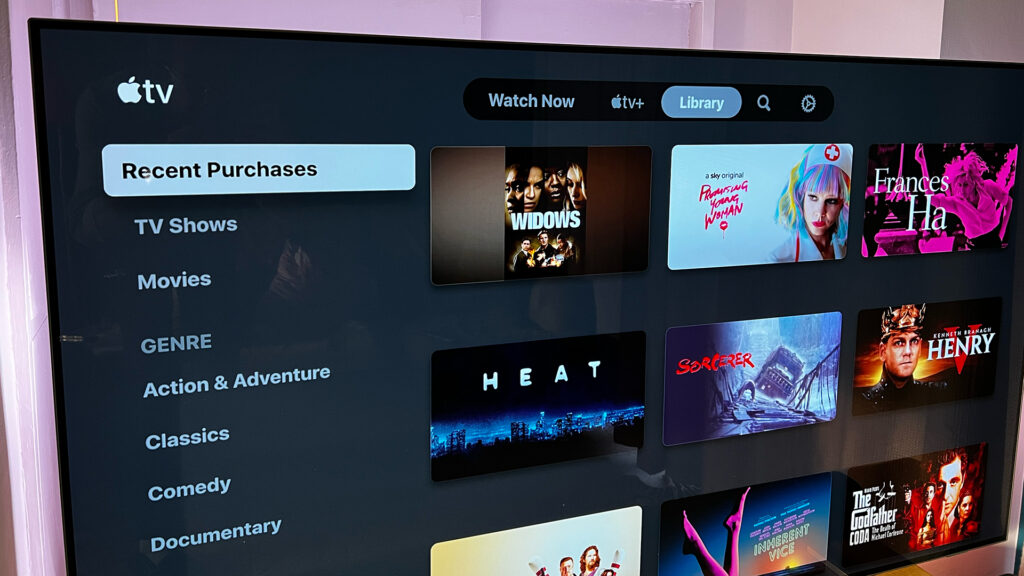
Those interested in creating browser apps for tvOS must use Xcode and have a developer account.
/wp:paragraph
wp:paragraph
Basic browser source code is available on platforms like GitHub, and customization is possible within tvOS limitations.
/wp:paragraph
wp:heading
Watching Content via Web Browsers
/wp:heading
wp:heading {“level”:3}
Apple TV+ on the Web
/wp:heading
wp:list
- wp:list-item
- Access via tv.apple.com
- Works on Chrome, Firefox, and Safari
- Subscription required
/wp:list-item
wp:list-item
/wp:list-item
wp:list-item
/wp:list-item
/wp:list
wp:heading {“level”:3}
MLS Season Pass
/wp:heading
wp:paragraph
MLS fans can subscribe and watch matches directly from a browser on any device, not just Apple TV, making it more versatile for sports streaming.
/wp:paragraph
wp:heading
Final Thoughts
/wp:heading
wp:paragraph
Although Apple TV lacks a built-in web browser, there are multiple ways to access the internet through screen mirroring, third-party apps, or advanced sideloading.
/wp:paragraph
wp:paragraph
For most users, AirPlay offers the most convenient and familiar experience.
/wp:paragraph
