

Losing irreplaceable photos—wedding snapshots, childhood memories, or travel adventures—can feel like losing a piece of your history. In 2026, permanently deleted photos might seem gone forever, especially after the 30-day grace period in your “Recently Deleted” album expires.
Yet, advanced recovery tools can often resurrect these treasures by scanning residual data before it’s overwritten. We’ve tested and ranked the top 8 solutions for recovering deleted photos on iPhone, prioritizing speed, success rates, and ease of use.
How iPhone Photo Deletion Works
When you delete a photo, iOS moves it to the “Recently Deleted” folder for 30 days. After that, the space is marked as available, but the data lingers until new files overwrite it.
This is where specialized iPhone data recovery software shines, scanning deep storage or iCloud backups to reassemble fragments of “permanent” deletions. Success hinges on acting quickly: the longer you wait, the higher the overwrite risk.
Top 8 Software for Photo Recovery in 2026
1. Gbyte Recovery
The leader for recovering permanently deleted photos on iPhone, Gbyte Recovery, combines deep scanning with lossless quality restoration, achieving a high success rate for iPhone data recovery.
Its exclusive tech recovers photos directly from iCloud or device storage—no backup needed—even if your iPhone is broken, locked, or reset. Preview files for free before recovery and enjoy 2–3 times faster scans than rivals.
Best for: Urgent, complex recoveries.
Key Features:
- Lossless photo/video restoration
- 2–3x faster scans than competitors
- Direct iCloud access for broken/locked devices
- Recovers 25+ data types (WhatsApp, Instagram)
- Free preview before payment
How to Use Gbyte Recovery
- Download & Install: Get the software from Gbyte’s site.
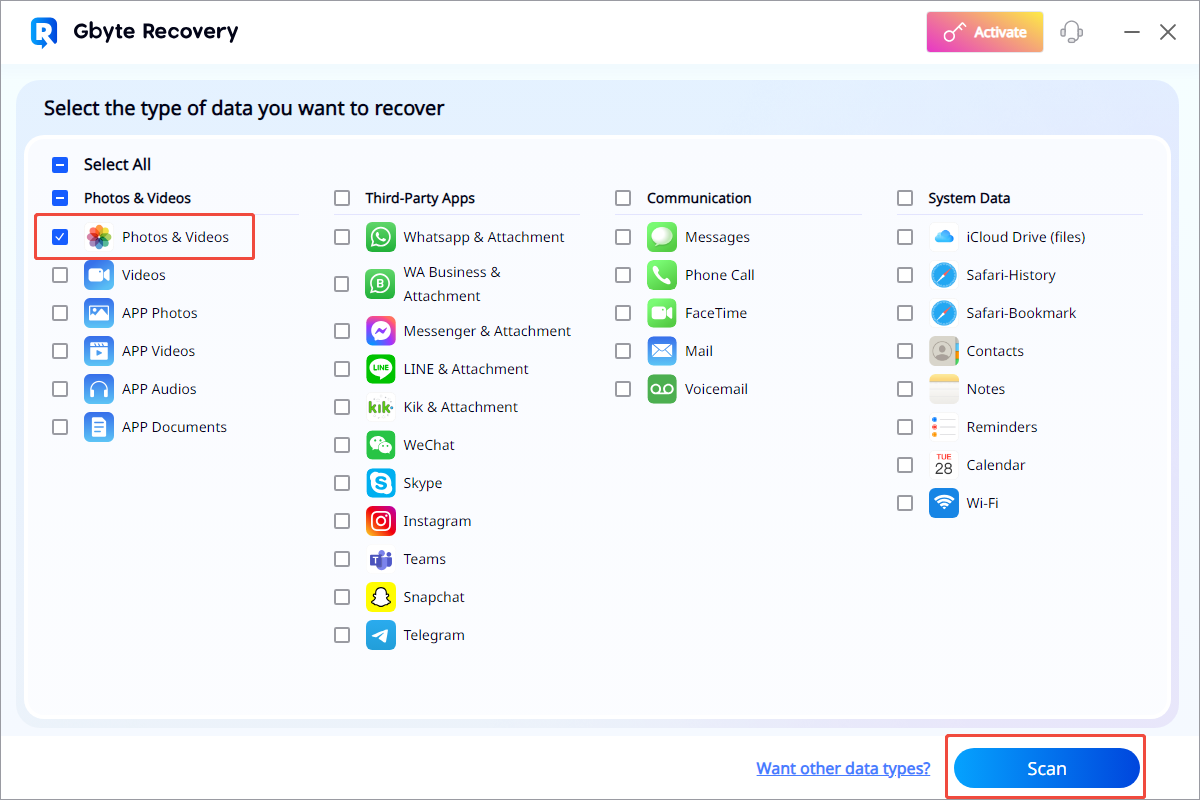
- Select Data Type: Launch the app, choose the type of data you want to restore. (E.g. select “Photos & Videos”).
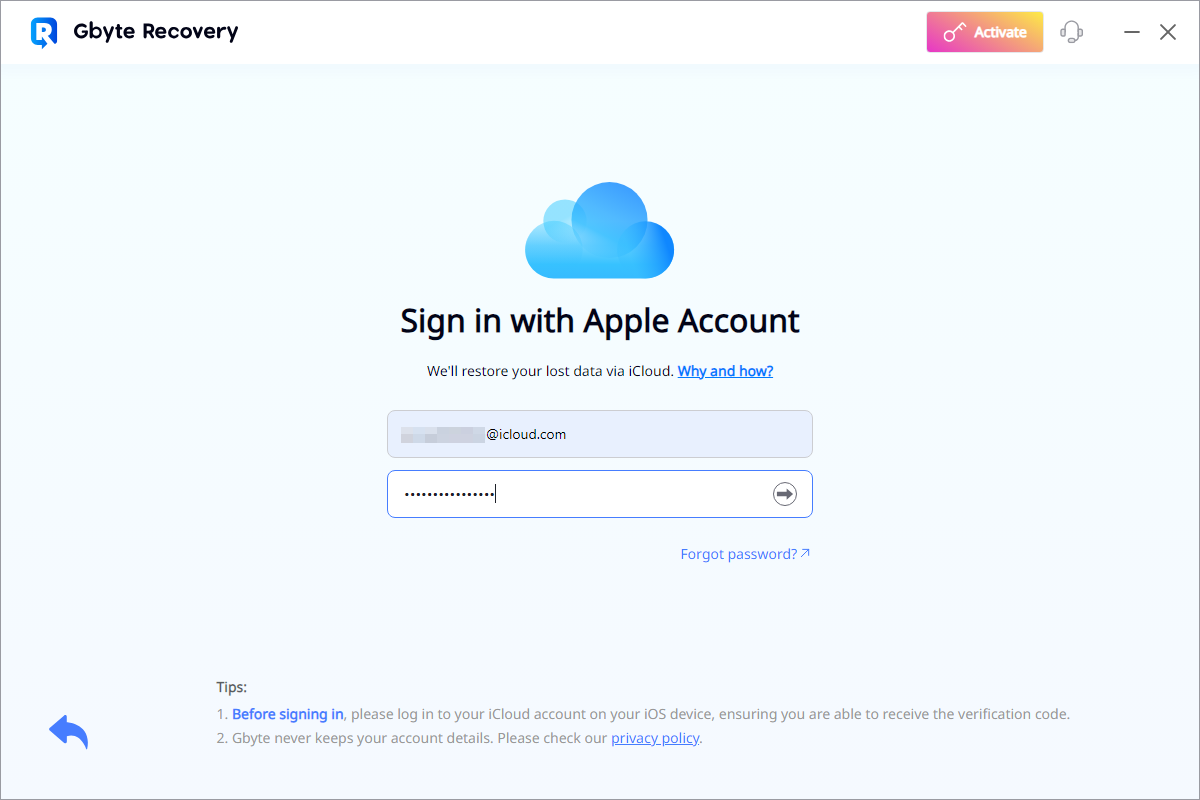
- Scan: Log in to iCloud to connect your iPhone; start Deep Scan.
- Preview & Recover: Browse recoverable photos, select items, and recover to PC.
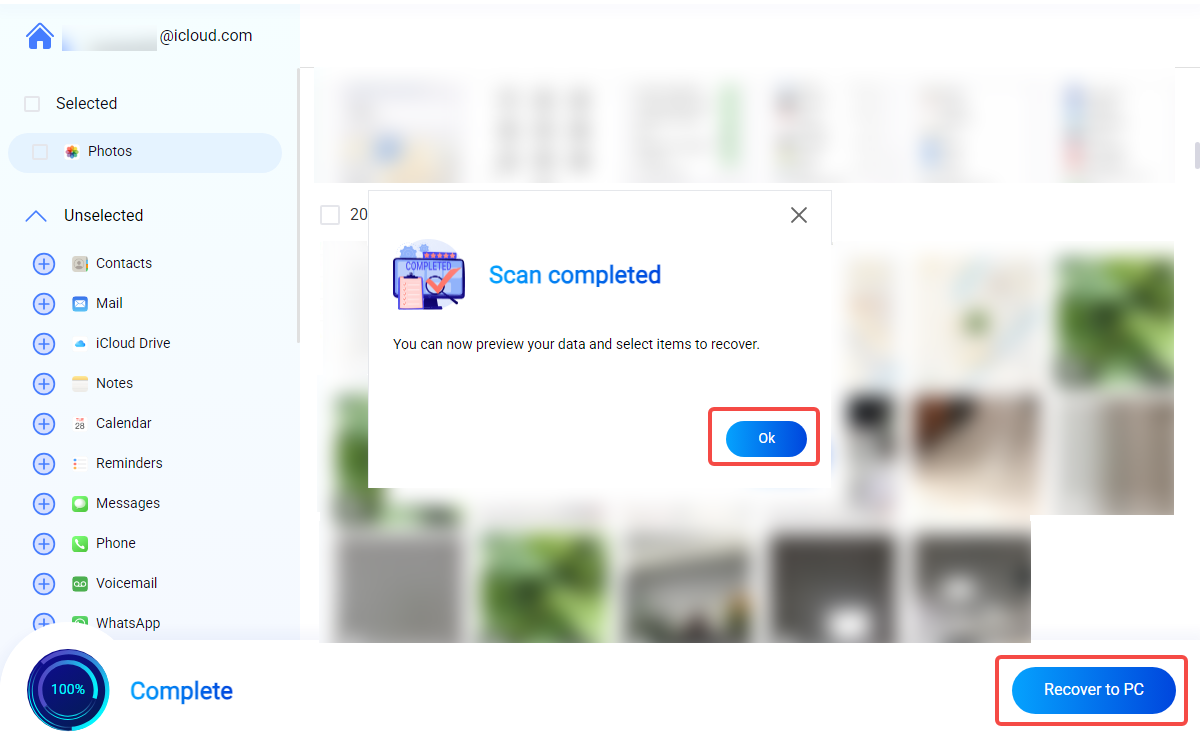
As shown in the picture, Gbyte Recovery can not only recover photos and videos, but also is a good solution for those who wonder about “how to retrieve text messages“.
If you are going to recover your data, always remember that the sooner you use Gbyte Recovery after deletion, the higher the chance of successfully recovering all the things before they are overwritten by new files.
Pricing
- Free Trial: Available for previewing recoverable data.
- Monthly Plan: $49.99/mo
- Yearly Plan: $8.33/mo
- Lifetime Plan: $149.99
2. Tenorshare UltData
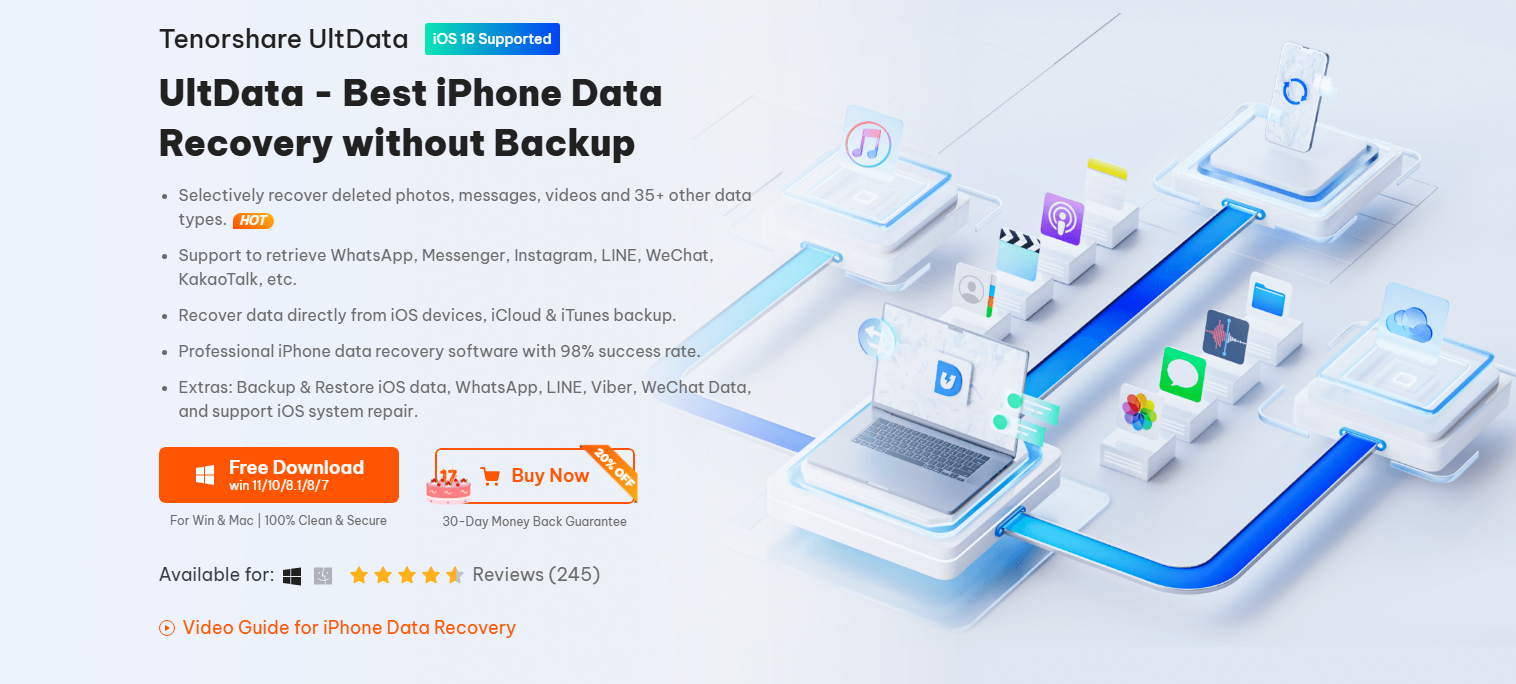
A user-friendly choice for how to recover deleted photos on iPhone, UltData restores images from device storage, iTunes, or iCloud. While slower than Gbyte, its selective preview ensures you only recover what you need.
Best for: Casual users with recent backups.
Key Features:
- Device/iTunes/iCloud recovery
- Fixes iOS system errors
- WhatsApp/photo restoration
- Recovers lost videos from different scenarios.
- Supports multiple recovery modes.
- Can also fix some iOS system issues.
Pricing:
- 1-Month License: $49.95
- 1-Year License: $45.95
- Lifetime License: $65.95
3. Dr.Fone – Data Recovery
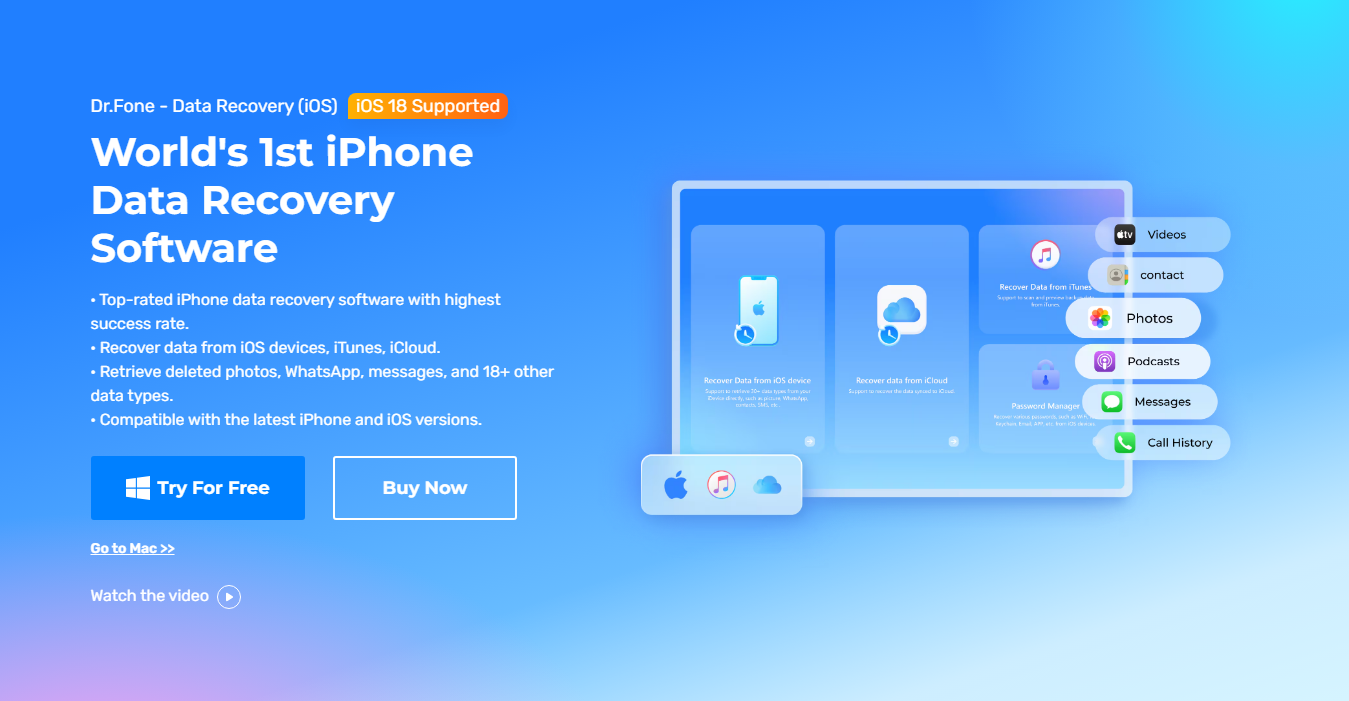
This cross-platform powerhouse handles recovering deleted photos alongside messages, contacts, and social media data. Its modular design lets you buy only the needed features, making it versatile for broader tasks.
Best for: Android + iOS households.
Key Features:
- Android + iOS support
- Recovers videos from various data loss situations.
- Part of a larger suite of utility tools.
- WhatsApp/contact recovery
Pricing:
- Monthly Plan: $44.95/Month
- Annual Plan: $59.95/Year
- Perpetual Plan: $69.95/Perpetual
4. iMyFone D-Back
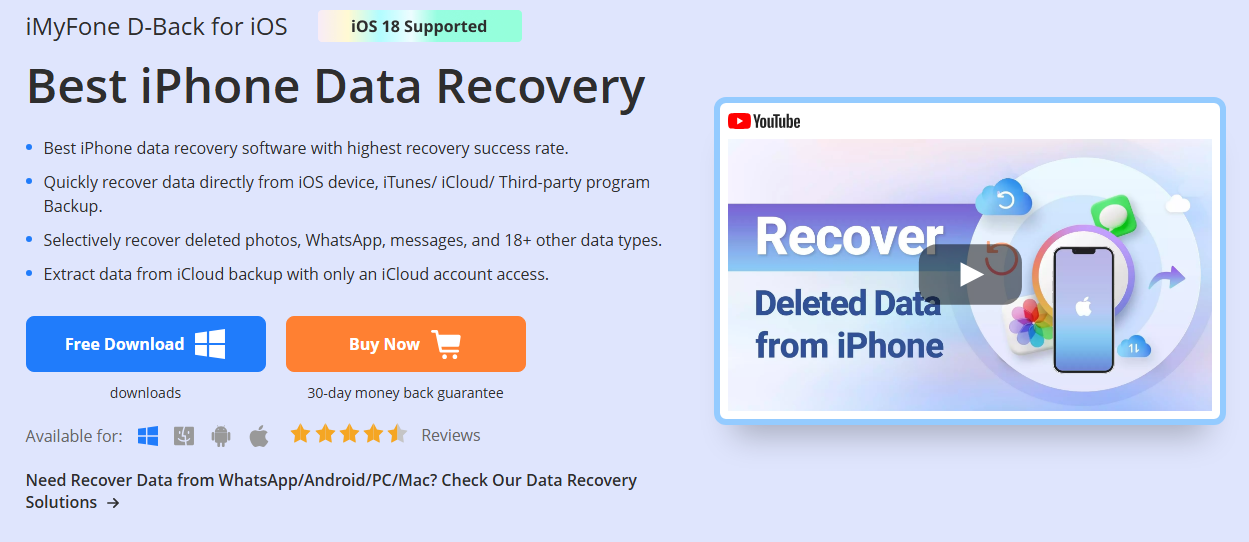
With “Smart Recovery” mode, D-Back simplifies how to recover permanently deleted photos by diagnosing loss scenarios (accidental wipe, iOS crash). It’s less effective for overwritten data but excels with intact iCloud backups.
Best for: Guided, step-by-step recovery.
Key Features:
- iCloud/device scanning
- Can recover some app-specific data, including videos.
- Supports multiple data recovery modes.
Pricing:
- 1-Month Plan: $49.95/mo
5. EaseUS MobiSaver

Ideal for beginners, MobiSaver offers intuitive recovery of deleted photos. The free version scans deeply but limits restorations; paid tiers unlock full access to photos, videos, and app data.
Best for: Quick, straightforward scans.
Key Features:
- Intuitive wizard interface
- Free deep scans
- Windows/Mac compatibility
- Supports direct device, iTunes, and iCloud recovery.
Pricing:
- Lifetime License: $79.95 (Mac) / $59.95 (Windows)
6. Stellar Data Recovery
Stellar’s deep-scan engine targets recover permanently deleted photos from encrypted drives or formatted devices. Though pricier, its Toolkit edition adds repair tools for corrupted iOS systems.
Best for: Technical users with overwritten data.
Key Features:
- Deep scan for overwritten data
- Encrypted drive support
- Recovers photos, videos, contacts, messages, and more.
- Has a clean and user-friendly design.
Pricing:
- Standard: $59.99
- Professional: $89.99
- Premium: $99.99
7. Disk Drill
Originally a drive-recovery tool, Disk Drill now rescues iPhone photos via iTunes/iCloud backups. The free tier restores 500MB—ideal for testing—while Pro handles data recovery with duplicate-finding extras.
Best for: Multi-device households.
Key Features:
- 500MB free restoration
- Duplicate file finder
- Offers Quick and Deep Scan methods.
- Includes additional disk tools like data protection.
Pricing:
- Pro: $89
- Lifetime Upgrades: $109
8. FoneLab iPhone Recovery
FoneLab balances affordability and power, recovering 35+ file types (including RAW photos). Its family license covers 6 devices, making it cost-effective for shared iCloud accounts.
Best for: Budget-conscious families.
Key Features:
- RAW photo support
- 6-device family license
- Supports a very wide range of data types.
- Allows selective recovery.
Pricing:
- 1 Month license: $49.95
- Lifetime License( 1 PC, 6 devices): $55.96
- Lifetime License (3 PCs, 18 devices): $116.00
Why Gbyte Recovery Leads
Gbyte outperforms rivals with high scanning efficiency, recovering photos in original quality without backups. Its iCloud access retrieves data from lost, broken, or locked devices—perfect for panic-inducing “how to recover deleted photos from iPhone” moments.
While tools like Stellar or Disk Drill offer broad data recovery, Gbyte’s iOS specialization ensures higher success rates for permanently deleted files.
Final Verdict: Act Fast, Recover More
Once photos are overwritten, recovery becomes near-impossible. For best results:
- Stop using your iPhone immediately after deletion.
- Avoid new backups that might overwrite data.
- Use free scans (like Gbyte’s) to preview recoverable files.
With 2026’s tools, recovering permanently deleted photos is no longer a pipe dream—it’s a few clicks away. For most users, Gbyte’s lifetime plan offers the best blend of power, privacy, and value. Don’t let accidental deletion erase your memories; leverage these tools to reclaim what’s lost.
