

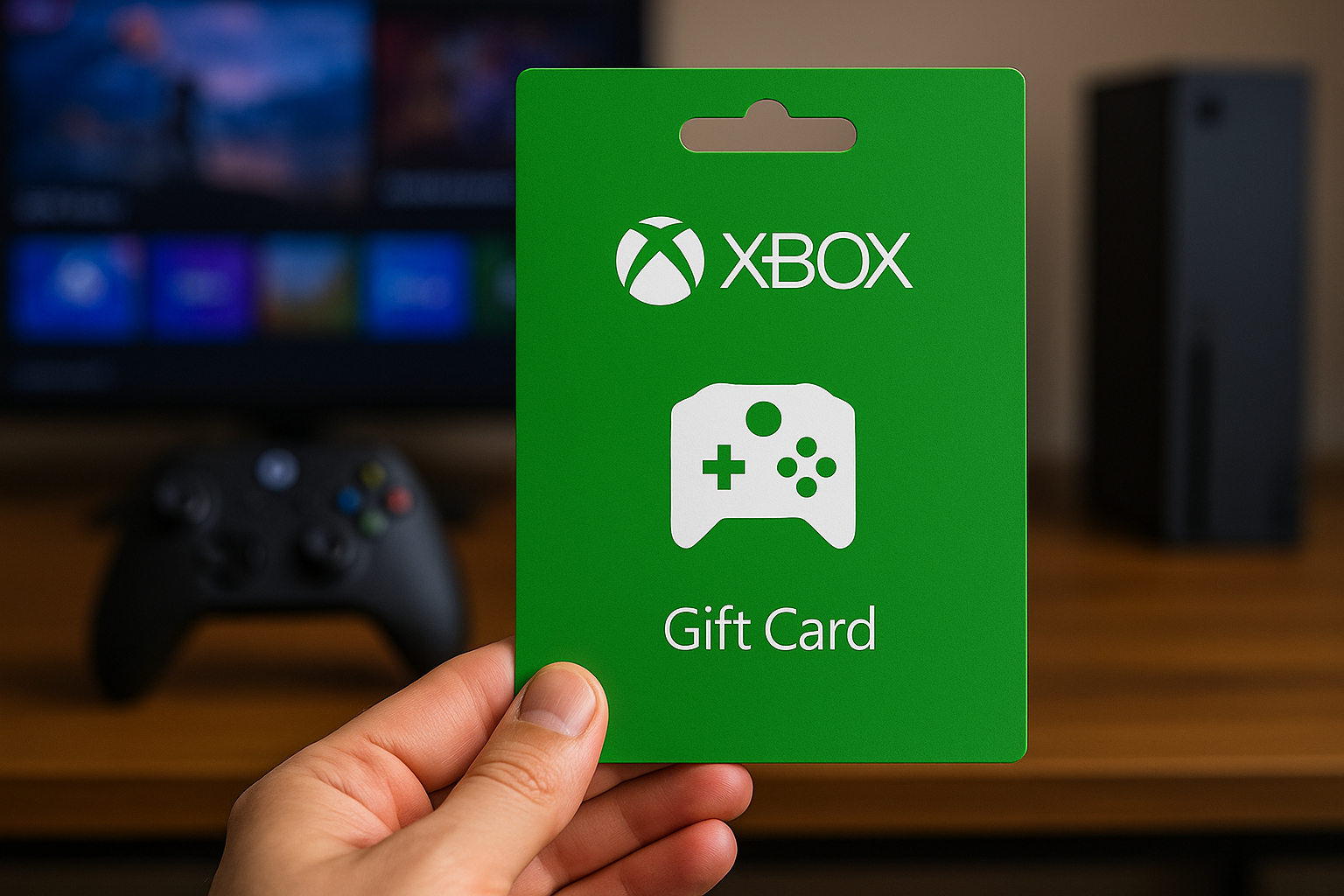
If you are a passionate gamer, there is nothing quite like the excitement of unlocking new content on Xbox.
Whether it is a long-awaited release, a hidden gem on Game Pass, or simply topping up your account to grab discounted add-ons, gift cards have become the ultimate currency for players around the world.
They give you freedom, flexibility, and control over how you spend. And now, with the rise of digital payments, you can even buy an Xbox gift card with crypto, making the whole process more convenient than ever.
In this guide, we are going to explore why Xbox gift cards remain such a favorite in the gaming community, walk through the redemption process step by step, look at how to use cryptocurrency to get them, and give you some practical tips to make sure you get the most out of every code.
Why Xbox Gift Cards Are Popular Among Gamers?
The appeal of Xbox gift cards lies in their versatility. They are not tied to a single product or subscription but instead load funds directly into your Microsoft account.
That balance can then be used across a wide range of services, from purchasing full games and expansions to renewing Xbox Game Pass Ultimate or even buying in-game currency for titles like Fortnite or Call of Duty.
For parents, gift cards are a smart way to give younger gamers spending money while setting boundaries. For friends, they are the perfect present when you are not quite sure which game someone has been eyeing. And for dedicated players, they represent a flexible way to budget and avoid the temptation of overspending.
Another reason for their popularity is accessibility. Unlike credit cards, which may come with restrictions, fees, or bank delays, gift cards are straightforward. You enter a code, the money is there, and you are ready to play.
At the same time, when you buy an Xbox gift card with crypto, you unlock even more freedom. Cryptocurrency transactions are fast, borderless, and secure, which means you can top up your account no matter where you are in the world. This has made gift cards especially attractive to gamers who prefer modern payment methods.
Step-by-Step Guide to Redeeming Xbox Live Codes
Redeeming an Xbox Live code is simple once you learn the different routes available. Microsoft offers several options, allowing you to choose the one that is most convenient for you.
Redeeming on Your Console
Turn on your Xbox and press the Xbox button on your controller. Open the Store, scroll down to the option that says ‘Redeem,’ and you will be prompted to enter your 25-character code. Once confirmed, the funds or content linked to that code will be instantly added to your account.
Redeeming on the Web
If you prefer to use a browser, visit redeem.microsoft.com and sign in with the Microsoft account associated with your Xbox profile. Enter the code in the text box, click ‘Confirm,’ and the balance will be displayed in your account. This method is quick and useful if you receive a code while away from your console.
Redeeming on Mobile
The Microsoft Store app and Xbox app both allow you to redeem codes on the go. Open the app, tap on your profile picture, select ‘Redeem Code’, and type or paste the code you received. It is an excellent option if you want to secure your funds immediately without waiting until you get home.
Whichever method you choose, the process is intuitive and takes only a minute or two to complete.
Using Cryptocurrency to Buy Xbox Gift Cards
One of the most exciting developments in gaming payments is the ability to use cryptocurrency to buy gift cards. Instead of relying on banks or cards, you can pay with Bitcoin, Ethereum, or other digital currencies and receive your code almost instantly.
This option is particularly popular for gamers who value privacy and speed. When you decide to buy an Xbox gift card with crypto, you avoid exchange rates, international banking hurdles, and sometimes even extra fees. The code is delivered electronically and can be redeemed straight away.
The process is simple:
- Select the Xbox Live gift card amount you want;
- Choose the cryptocurrency you prefer to pay with;
- Follow the instructions to send the funds to the secure wallet address provided;
- Once the payment is confirmed on the blockchain, your code is delivered to you.
It feels seamless, and the result is no different from buying with traditional money. You still receive a valid code that can be redeemed instantly through the methods described above.
Tips for Maximizing Your Xbox Live Experience
Redeeming a gift card is only the beginning. To truly get the most out of Xbox Live, you need to think strategically about how you use your funds.
First, ensure that the gift card you purchase matches the region associated with your account. Codes are often locked to specific countries, and trying to redeem one from a different region can lead to frustration.
Second, keep an eye out for special promotions and seasonal discounts. Microsoft frequently runs sales on games and subscriptions, which means that using your gift card balance at the right time can double its value.
Third, consider stacking gift cards if you are a fan of Game Pass Ultimate. You can extend your subscription for months at a time by adding multiple codes to your account, ensuring uninterrupted access to hundreds of titles.
Finally, remember that your gift card balance can be combined with another payment method if the total of your purchase exceeds the amount in your account. This flexibility ensures you never waste leftover credit.
Troubleshooting Common Redemption Issues
Although redeeming gift cards is usually straightforward, problems can sometimes arise. Knowing how to troubleshoot can save you a significant amount of time.
One of the most common issues is typing errors. The 25-character code can be easy to misread, especially with similar letters and numbers. Double-check every character before hitting confirm.
Sometimes players report that their code has already been redeemed. This is rare, but it can happen if the code was purchased from an unreliable source. Always use trusted platforms, especially when paying with cryptocurrency.
Finally, if the redeem option does not appear on your console or app, check for software updates. An outdated version of the Xbox interface can sometimes cause display glitches. If all else fails, Microsoft Support can help resolve account-specific problems.
Conclusion
Xbox gift cards remain one of the most popular ways to unlock content, renew subscriptions, and make gaming purchases without complications. They give players choice, flexibility, and control.
Adding cryptocurrency into the mix makes the process even more exciting, as you can now buy an Xbox gift card with crypto and redeem it from anywhere, quickly and securely.
Whether you redeem through your console, on the web, or via mobile, the process is easy. By following the tips in this guide and being aware of potential pitfalls, you can enjoy a smooth and rewarding Xbox Live experience every time.
