

Most households and small teams now mix laptops, phones, smart TVs, consoles, cameras, and remote-work laptops on the same network—which raises a practical question: should you tunnel everything at the router, or install a client on each device?
In this professional review, we outline where each model shines, what can go wrong, and how to deploy both without headaches.
For transparency: our lab validations used a standard modern client configuration (including a baseline run with VPNLY) solely to benchmark behaviors; conclusions here are vendor-neutral and focus on capabilities.
What We Evaluated?
We judged both approaches against four criteria:
- Security posture: kill switch behavior, DNS/IPv6 leak protection, and per-device isolation.
- Performance: throughput, jitter, and MTU stability across typical home uplinks and mobile hot-spots.
- Manageability: profile creation, policy scope, guest access, and ease of revocation.
- Compatibility: streaming apps, gaming consoles, IoT endpoints, and captive portals.
Router-Level VPN: The “Everything by Default” Model
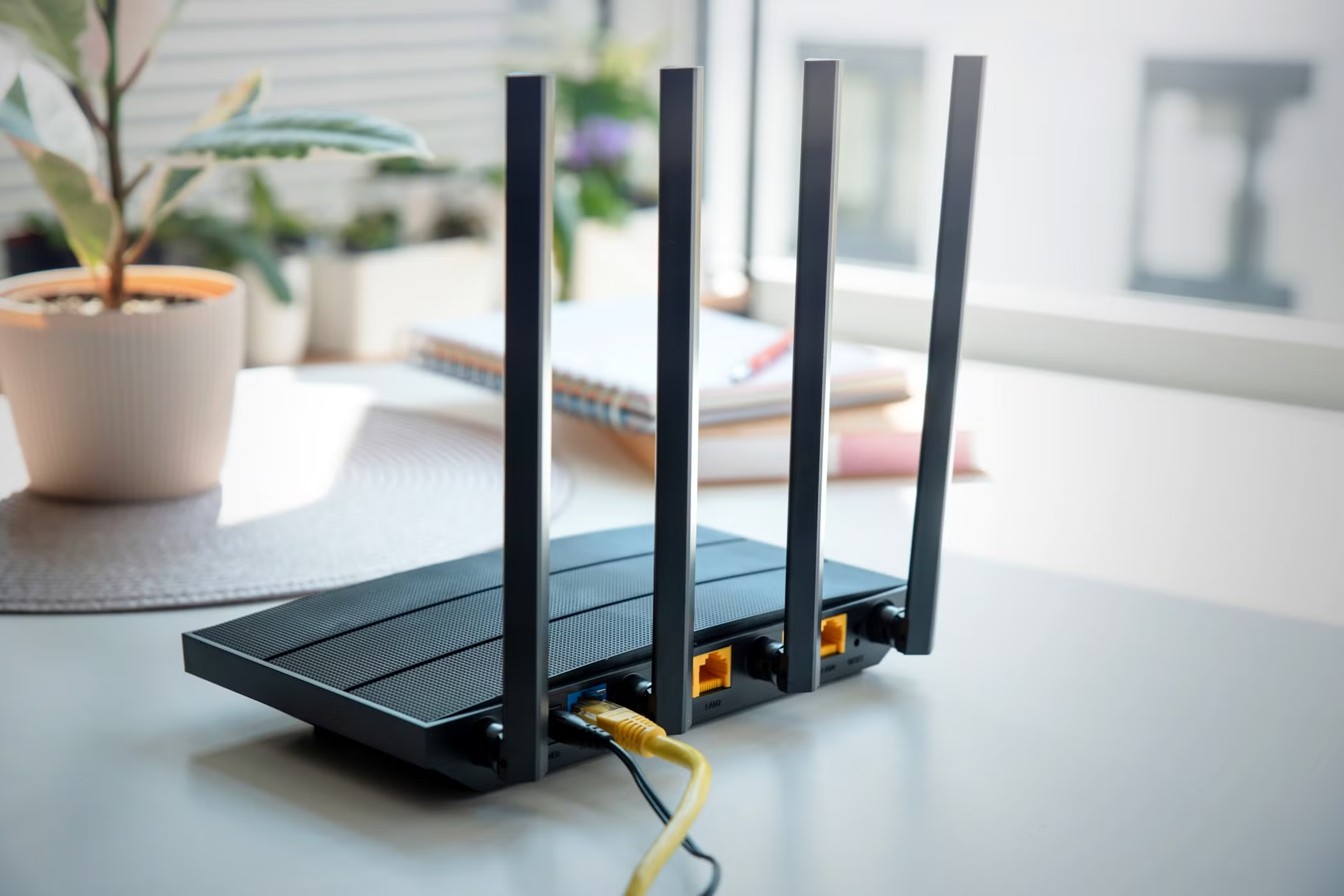
A router tunnel places the entire local network behind one encrypted egress.
Strengths
- One setup, full coverage. Every device—TVs, consoles, e-readers, cameras—benefits without installing software.
- Deterministic egress. Services see one stable origin, which often reduces fraud flags for shared household logins.
- Policy once, apply many. Family profiles, time windows, or content rules can be enforced centrally.
Trade-offs
- All-or-nothing risk. If the tunnel drops and the router’s kill switch is weak, the entire home can leak.
- Troubleshooting blind spots. Device-level app diagnostics are harder because everything looks like the router.
- Throughput headroom. Low-power routers may struggle with heavy encryption at high speeds.
Best for
- Smart homes with many “appliance” devices.
- Households that want simple, consistent geolocation and DNS.
- Static setups where performance is predictable and the router is sufficiently powerful.
Device-Level VPN: The “Per-User, Per-Task” Model
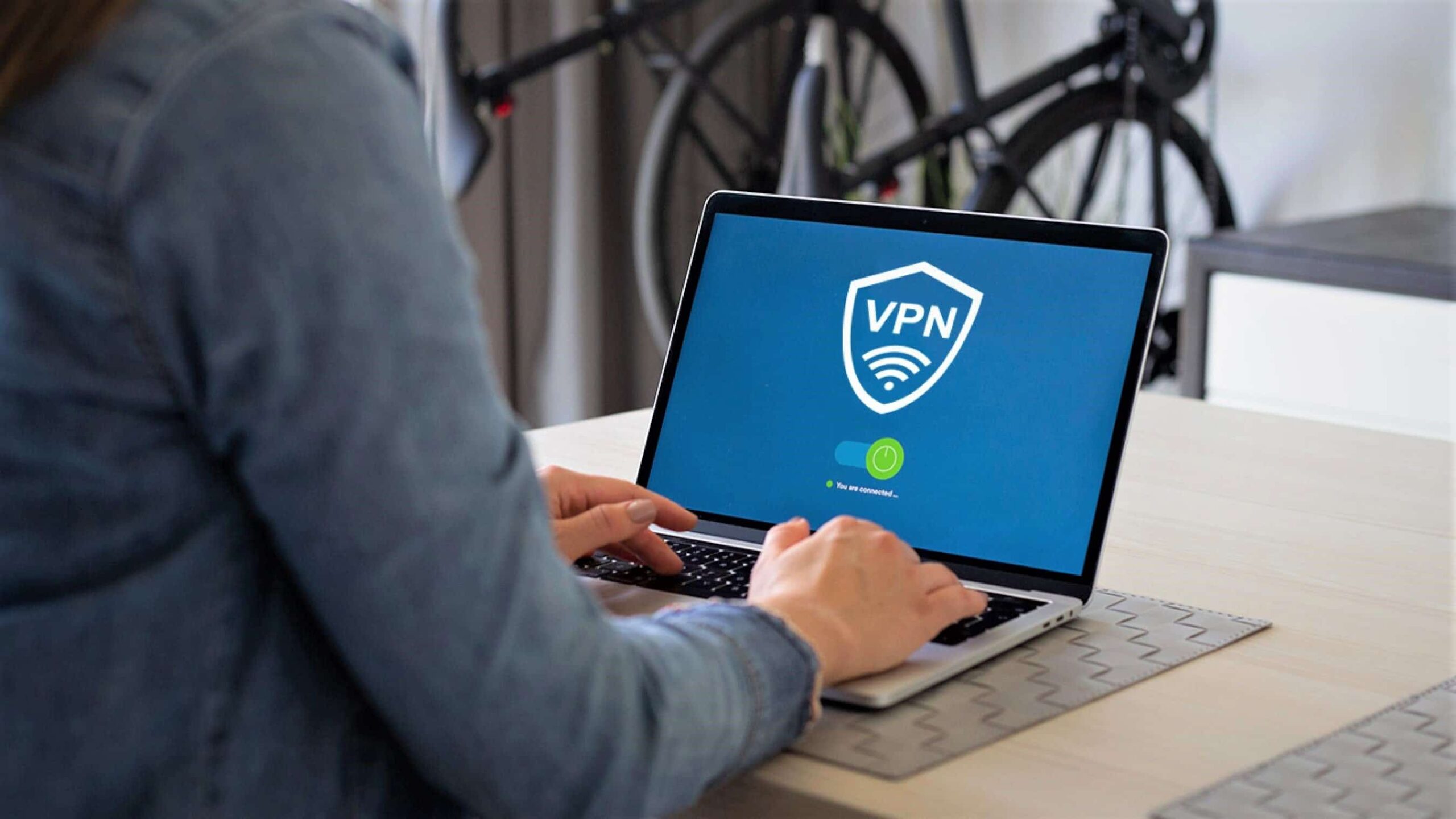
A device client lets you tailor policies and routes on laptops and phones.
Strengths
- Granular control. Split tunneling per app; different exits for work vs. streaming; per-role permissions.
- Stronger kill switches. Mature clients can drop all traffic on loss, even across Wi-Fi↔LTE roams.
- Clear audit. You can attribute activity and enforce MFA or passkeys per user.
Trade-offs
- Coverage gaps. TVs, consoles, and IoT often cannot run a client.
- Admin overhead. Multiple devices mean more installs, updates, and off-boarding steps.
- User friction. If auto-connect isn’t tuned, people forget to enable the tunnel on public Wi-Fi.
Best for
- Remote work and freelancers with sensitive dashboards.
- Travelers who need reliable captive-portal handling and flexible exits.
- Teams that require per-user accountability.
Decision Framework: When to Choose Each
- You want “set-and-forget” protection for everything at home: start router-level. Ensure a real kill switch (no traffic when the tunnel is down), custom encrypted DNS, and dual-stack (IPv4/IPv6) coverage.
- You need role-based access, multiple exits, or travel frequently: prioritize device-level on laptops/phones. Keep IoT behind a router-level tunnel or a separate VLAN.
- Mixed reality (most people): combine both. Use router-level for TVs/consoles/IoT, and device-level on work devices for split policies and strong roaming resilience.
Configuration Patterns That Work
- Two SSIDs/VLANs: “Home-Private” behind the router tunnel; “Guest/IoT” segmented with limited east-west traffic.
- Profiles per role: “Founder Admin” (no split tunneling, custom DNS), “Contractor Scoped” (time-boxed routes), “Travel/Demo” (TCP fallback, conservative MTU).
- Resolver alignment: Terminate encrypted DNS inside the same metro as your VPN exit to avoid region mismatches.
- Leak discipline: Test for DNS, IPv6, and WebRTC leaks after changes; automate monthly checks.
Performance Notes (So You Don’t Chase Ghosts)
- MTU hygiene beats raw speed. Fragmentation causes jitter that breaks calls and streams. Pin a stable MTU on both router and client profiles.
- Throughput budgeting. If your WAN is fast, choose router hardware with encryption offload; otherwise keep heavy uploads on device-level profiles.
- Roaming realities. On laptops, a device client with a hard kill switch and quick re-handshake prevents brief plaintext bursts when switching networks.
Validation Checklist You Can Run Today
- Connect to home Wi-Fi; confirm the router tunnel is up and blocks traffic on drop.
- On a laptop, install a client profile; verify auto-connect on untrusted SSIDs and a working kill switch.
- Run dual-stack leak tests (IPv4/IPv6, DNS, WebRTC). Fix any mismatch before rolling out to family or team.
- Compare geolocation across router-level and device-level exits; align DNS to the chosen exit.
- Simulate off-boarding: revoke a device and ensure it cannot rejoin without approval.
Verdict
Router-level VPN brings comprehensive, low-friction coverage to homes and studios, while device-level VPN delivers precision, accountability, and resilience for work and travel.
Treat them as complementary tools: centralize the “appliance” world at the router, and empower people with device clients where policies must follow the person.
Choose the model that matches the job, enforce leak-free defaults, and you’ll get privacy and stability without slowing the way you live and work.
