

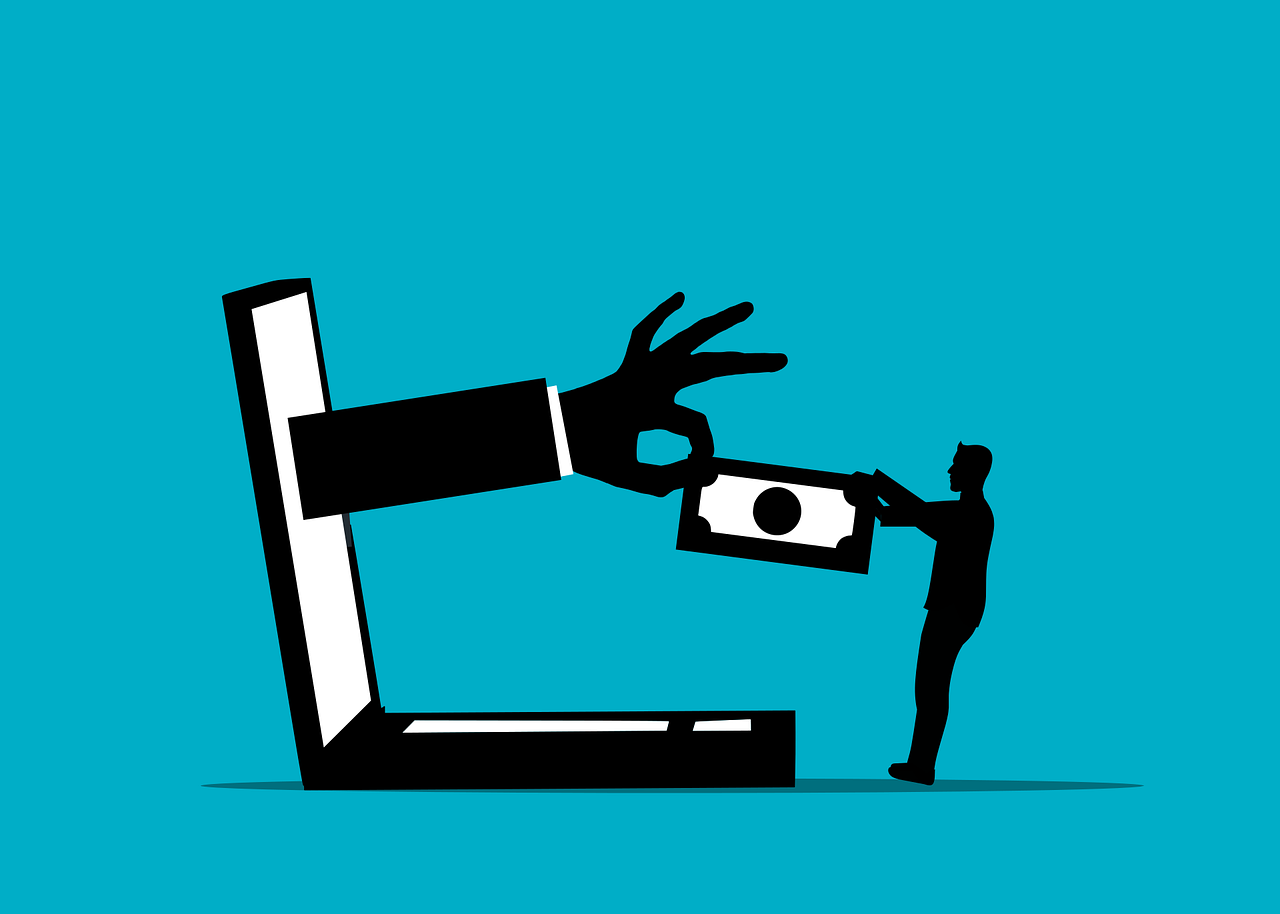
You’re sitting in a mall when your phone buzzes. “Your bank account has been locked – click here to verify.” The message looks real, but a criminal in the parking lot just sent that same text to every phone within 500 meters – using a device that completely bypasses your carrier’s spam filters.
Well, this happened in London last March – police arrested a man who drove around for days with an SMS blaster in his car trunk, hitting thousands of phones. When officers came to arrest him, they received one of his fake tax messages, and the device was still running.
Similar attacks are exploding all around the world, and your Android phone has a specific vulnerability that makes you a target.
SMS Blasters Bypass Every Security Filter Your Carrier Has
SMS blasters are portable fake cell towers that criminals carry in backpacks or car trunks. They force your phone to connect by pretending to be the strongest signal in the area. So, once connected, they pump out fraudulent messages directly to your device.
A single SMS blaster sends up to 100,000 texts per hour, while each device covers 100 to 2,000 meters depending on the model. Criminals pay drivers $75 per day to cruise through shopping centers, residential areas, and business districts in 8-hour shifts.
But unlike regular spam that goes through carrier networks, where filters catch most of it, SMS blasters inject messages directly into your phone – and even your carrier can’t see them, or block them. Virgin Media O2 blocked 600 million scam texts in 2026, but none of those defenses work against SMS blasters.
“None of our security controls apply to the messages that phones receive from them,” admits Anton Reynaldo Bonifacio, Chief Information Security Officer at Globe Telecom.
The economics make sense for criminals. SMS blaster devices cost between $3,000 and $35,000, but if just 1% of recipients click a malicious link from a 100,000-text blast, that’s 1,000 potential victims. With Americans losing an average of $800 per smishing attack, the math seems very brutal.
This threat has security experts and privacy advocates on high alert. Especially when it comes to a sensitive field such as casinos – now, many users are exploring alternative safe platforms, with no KYC crypto casinos getting impressively popular among those who want to lose their digital footprint and avoid sharing any personal data that could be exploited in such attacks.
Your Phone Still Connects to 30-Year-Old 2G Networks (And That’s the Problem)
Well, the only reason why SMS blasters still work is that your phone still supports 2G, the cellular technology from 1991. Even though you use 4G or 5G daily, your device maintains backward compatibility with this ancient, insecure protocol.
2G has a fatal flaw – and modern networks (3G, 4G, 5G) require mutual authentication, so your phone verifies the tower, and the tower verifies your phone. But 2G made this optional, and now criminals exploit this loophole.
The attack works like this: The SMS blaster broadcasts a signal that tells your phone to switch to 2G. Your phone obeys, thinking it’s connecting to a legitimate tower, and then the fake tower sends whatever message the attacker wants. After delivery, your phone switches back to 4G/5G – you never notice anything happened.
Security researchers have known about this vulnerability for years. The Electronic Frontier Foundation calls 2G networks “widely known to be vulnerable to eavesdropping and spoofing.” Yet every bigger phone manufacturer, such as Samsung, Google, or Apple, still ships their phones with 2G enabled by default.
Police Are Finding These Devices Everywhere
The arrests are piling up globally. Thai police caught Chinese gangs driving around Bangkok with SMS blasters, targeting shopping mall visitors. They sent fake messages claiming to be from telecom provider AIS, tricking customers into entering credit card details for “expiring reward points.”
In New Zealand, authorities discovered their first SMS blaster attack last year – a Chinese operator working with a local teenager. Their car-battery-powered device sent hundreds of fake bank texts in one night.
Switzerland issued a national warning, while Malaysia seized $24k worth of equipment in raids, and arrests have happened in Japan, Brazil, and Qatar. The tech that governments once used exclusively for surveillance has gone mainstream among criminals.
Google Finally Added Protection – But You Have to Turn It On
Google knows about this threat, though. With Android 12, they added an option to disable 2G completely – but here’s the problem: most users don’t know it exists.
To disable 2G on most Android phones:
- Open Settings
- Go to Network & Internet
- Tap SIMs
- Find “Allow 2G” and turn it OFF
Samsung users: Settings > Connections > Mobile Networks > Turn off “Allow 2G Service”
Some carriers block this option. So, if you can’t find it, your carrier controls network settings and won’t let you disable 2G.
Android 16 takes things further with Advanced Protection Mode. This one-click security boost automatically disables 2G, blocks sideloading, and enables memory protection. It also warns you when you connect to a fake cell tower – a first for Android.
Attack Numbers Keep Getting Worse
Smishing attacks grew 700% in the first half of 2021. By 2026, the situation has deteriorated further. Americans now send nearly 10 million spam texts per day on average, while more than 3.5 billion phone users get fraudulent messages each day.
The knowledge gap makes it worse – only 36% of Americans know what smishing is. Among people over 55, just 23% can identify these attacks. When 61% of mobile operators say SMS blasters threaten revenue, customer trust, and network security equally, you know the problem is serious.
In 2019, US consumers lost $86 million to SMS phishing. The global average loss per victim hits $800. The Bank of Ireland paid out €800,000 to 300 customers from a single smishing campaign in 2020.
Recent data shows criminals are getting smarter – and now they’re using harvested personal data to make convincing messages. They’re targeting healthcare and banking specifically, while also hitting major events where thousands of phones cluster together.
How to Protect Your Phone Right Now?
First, disable 2G right now – even if your carrier doesn’t use 2G anymore, your phone will still connect to fake 2G towers unless you turn it off.
Second, treat every unexpected text as suspicious. Real banks don’t text links for account verification, while government agencies don’t ask for any immediate action via SMS. Also, delivery companies don’t need your credit card to release a package.
Third, if you get a suspicious message:
- Don’t click any links
- Contact the company directly using their official number
- Report the message to your carrier (forward to 7726/SPAM)
- Delete the message
For maximum protection on Android 16, enable Advanced Protection Mode. Find it under Settings > Security & Privacy > Advanced Protection – it will block all the vulnerabilities criminals usually exploit.
