


Don’t want to spoil your marketing campaign? So you need to make sure your video looks stunning and grabs the attention of the target audience. In marketing, consistency matters, and creating quick videos regularly is the real struggle for marketers.
That’s where you need to choose professional timeline video editors like Wondershare Filmora that speed up the workflow. It is a perfect tool that allows you to organize every aspect of your video in one neat visual space.
Let’s learn how impactful using the Timeline video editor is for marketing campaigns and how it speeds up your editing.
Part 1: Why Timeline Editing Matters for Marketing Videos
Marketing videos only work when the message is clear and every second holds the viewer’s attention. That becomes difficult when clips, audio, and graphics feel scattered or out of rhythm.
A timeline video editor fixes this by giving you a structured layout where you can control the pacing, adjust transitions, and guide the story with intention, not guesswork.
With a clean timeline, marketers can:
- Spot awkward cuts and fix them instantly
- Rearrange scenes to improve flow and viewer retention
- Align graphics, text, and voice-overs more naturally
- Maintain a consistent brand rhythm across multiple videos
Such control is necessary, especially in product demos, ads, and social media promos. Organizing the timeline, therefore, leads to higher watch time, clearer message delivery, and the viewer going away with the brand’s important things in mind.
Part 2: Key Features to Look for in a Marketing-Friendly Timeline Video Editor
Not every editor is built for campaign work. For marketers, the right timeline video editing software should remove friction, not add to it.
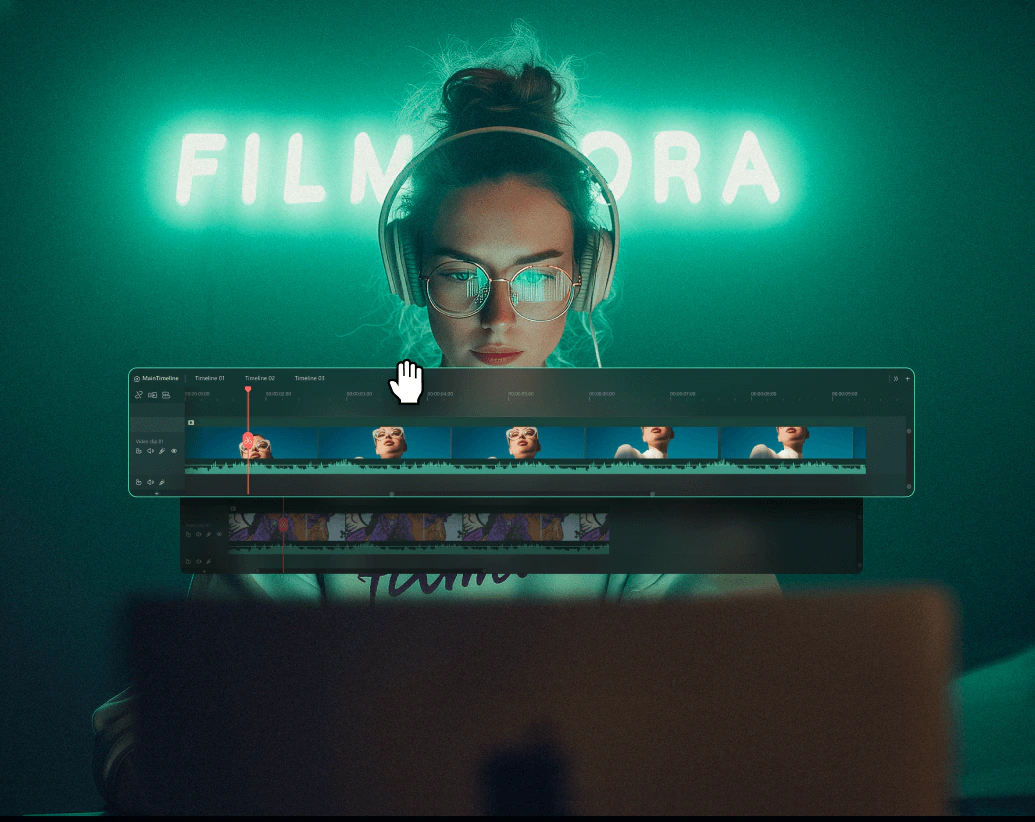
Here are a few features that make life easier:
- Multi-track editing: Modern videos blend text, overlays, product shots, music, and sometimes a testimonial or screen capture. Multiple tracks give you the freedom to position everything without confusion.
- Real-time preview: Waiting around for renders kills momentum. A clean preview helps you correct mistakes instantly and keep moving.
- Drag-and-drop simplicity: Marketing timelines are often tight. Being able to rearrange elements quickly helps you finish drafts faster and get more variations approved.
- Preset exports for every platform: Reels, Shorts, TikTok, Facebook, and YouTube each one demands a different format. A tool that handles this automatically saves hours.
Filmora’s timeline video editor includes all of these, which is why it works so well for marketing-heavy workflows.
And, with the latest Filmora V15 update, the editing experience has been further optimized. For a quick overview, see the official “What’s New” page or the feature guide.
Part 3: 5 Genius Ways to Use a Timeline Video Editor in Marketing Campaigns
No two campaigns are similar; however, timeline editing allows for a creative strategy. These are five of the many that marketers continue to employ.
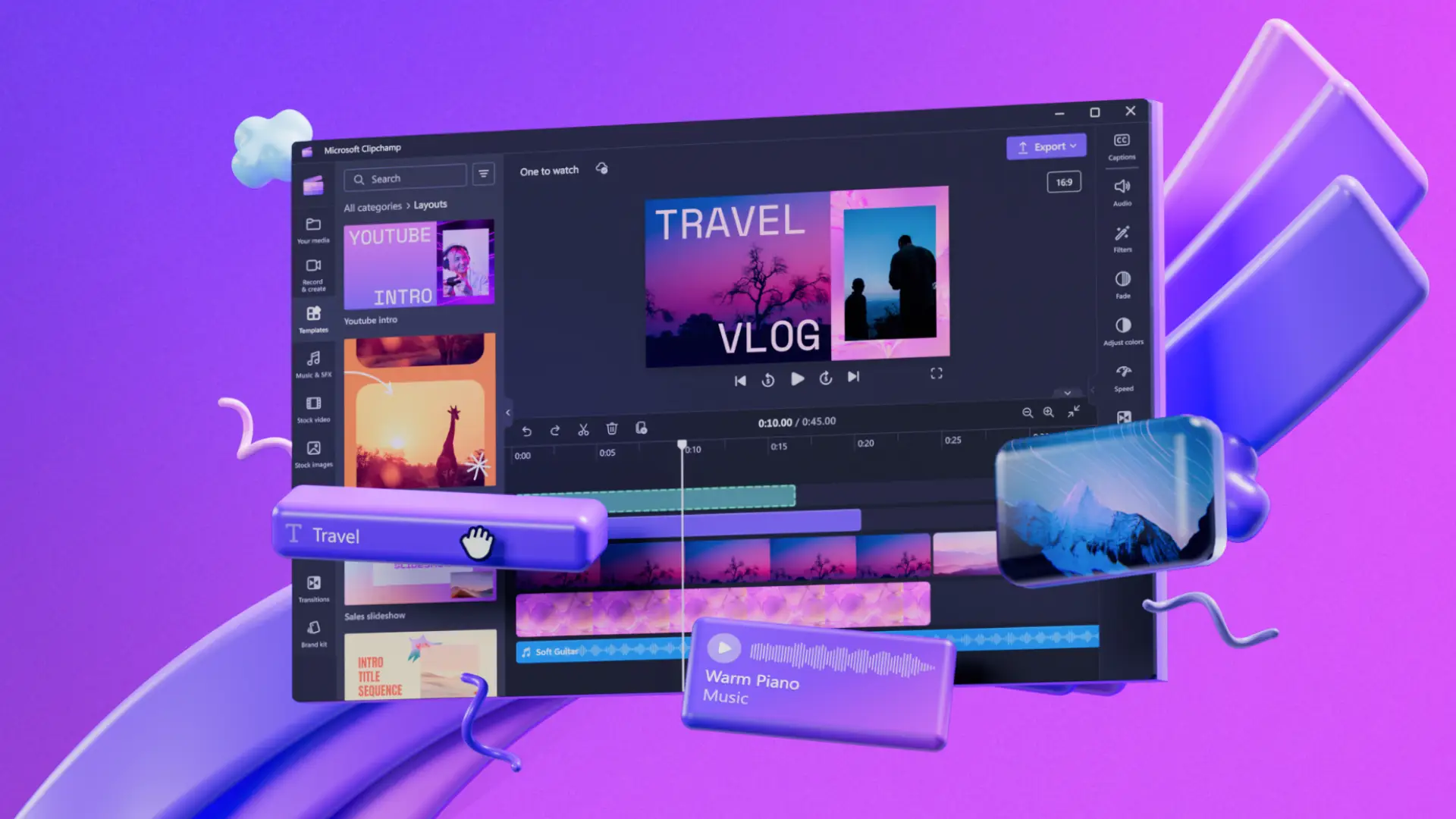
- Create Product Demos That Hold Attention
Timeline control makes it easier to show features in the right order. You can zoom in at the exact moment a feature appears, add a pop of text where it helps, or use transitions to guide the viewer’s eye.
- Produce Social Ads Faster
Short ads need to have very fast timing. You can quickly create ad drafts with the help of templates, drag-and-drop clips, and pre-designed effects, and then you can finalize them after figuring out the best version.
- Blend Footage from Different Sources
Campaigns often pull content from phones, cameras, stock libraries, and UGC. A clean timeline helps merge everything without the final video feeling messy.
- Sync Voiceovers and Music Naturally
When your narration matches the music beat, the video feels polished. Filmora’s beat detection and audio timeline make this easier than doing it manually.
- Test Multiple Versions with Timeline Markers
A/B testing is not limited to only landing pages. Markers enable you to produce variations, different intros, different transitions, or shorter edits and see which version gets the best results on each platform.
These minor changes very often result in a significant difference in the level of engagement and the number of conversions.
Part 4: Timeline Video Editor vs Traditional Editing for Marketing
Traditional editing tools are powerful, but they can feel overwhelming when your goal isn’t filmmaking but fast, effective marketing content. Layers get messy, workflows slow down, and simple tasks often take longer than they should.
A timeline video editor simplifies everything by giving you a clearer visual structure and reducing the learning curve.
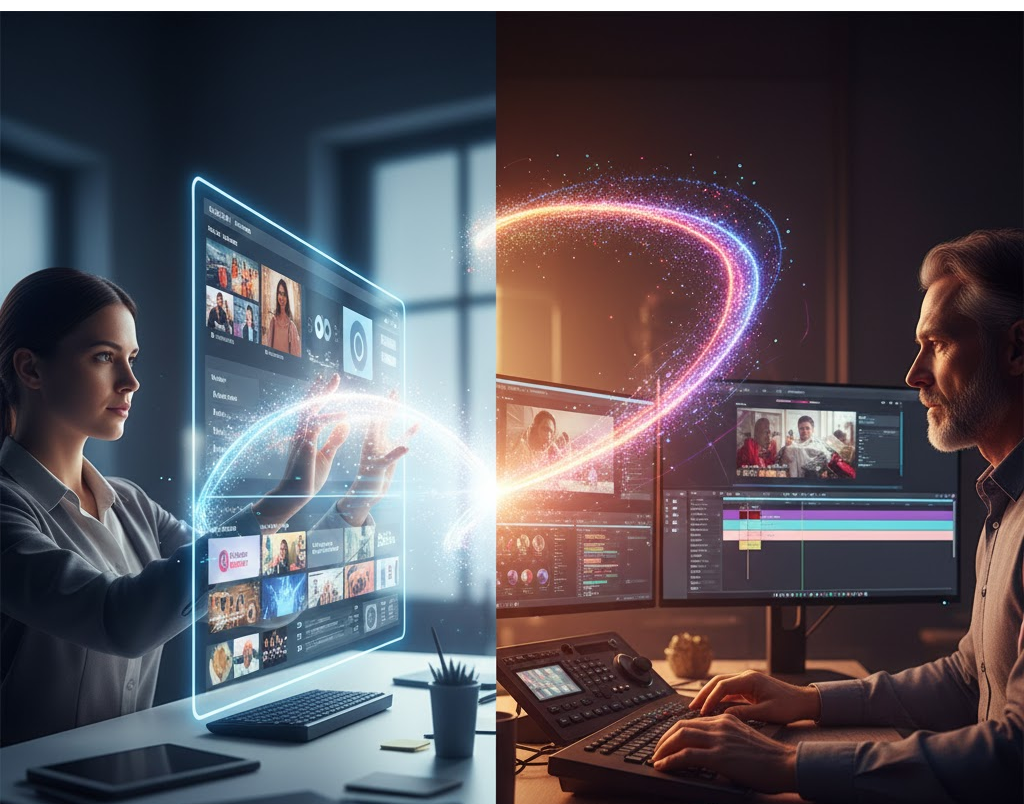
For marketers, this difference becomes obvious in day-to-day work:
- You can build social-ready ads without navigating dozens of complex settings.
- Multi-track timelines help you manage text, overlays, and product footage without confusion.
- Adjustments take seconds, which keeps the creative flow moving.
This is where Wondershare Filmora stands out. Its streamlined, timeline-based interface lets you focus on your story, not technical hurdles.
Instead of wrestling with tools meant for full-scale film production, you get an editor that matches the speed and demands of modern campaigns, helping you produce more content with less effort.
Part 5: Pro Tips for Using Filmora in Marketing Campaigns
Small habits compound fast when you’re creating content at scale, especially for marketing campaigns. These pointers help teams keep their output sharp, consistent, and effortless:
- Keep branding consistent: Save your brand colors, fonts, and go-to transitions as presets. This ensures every video looks aligned with your brand identity—no matter who on the team edits it.
- Lean into short-form energy: Quick edits often outperform slow, cinematic pacing on social platforms. Use speed ramps, punchy jump cuts, and bold text to create scroll-stopping momentum in every clip.
- Review engagement and adjust: Watch for retention drops. If viewers leave at the 3-second mark or lose interest halfway, tweak the pacing, reorganize your timeline, or tighten the message. Build decisions on real audience data, not guesses.
These small refinements stack up over time and give your campaigns a measurable lift—helping every new video perform better than the last.
Conclusion
If your priority is speed, clarity, and results, not wrestling with technical complexity, then Wondershare Filmora is a strong fit. Its timeline-focused workflow lets you create clean, engaging videos without needing advanced editing experience.
Whether you’re working on product explainers, ads, social content, or YouTube storytelling, Filmora’s timeline video editor gives you the control and confidence to deliver better videos faster.
