

Old photos always have a lengthy, events-filled history behind them. Some of the memories fade, but what the camera depicted stays with us forever; at least it is supposed to.
Unfortunately, a lot of images from the past have low resolution or are outright damaged. Scratches, blurred faces, and many similar issues can be frustrating, but the good news is, in 2026, you can solve them easily.
Check out the best apps for fixing low-resolution and damaged old photos, and you won’t have to worry about the survival of your memories any longer.
The 3 Best Photo Restoration Apps in 2026
We selected three well-known photo restoration apps that can help you fix all kinds of image issues. Take a look.
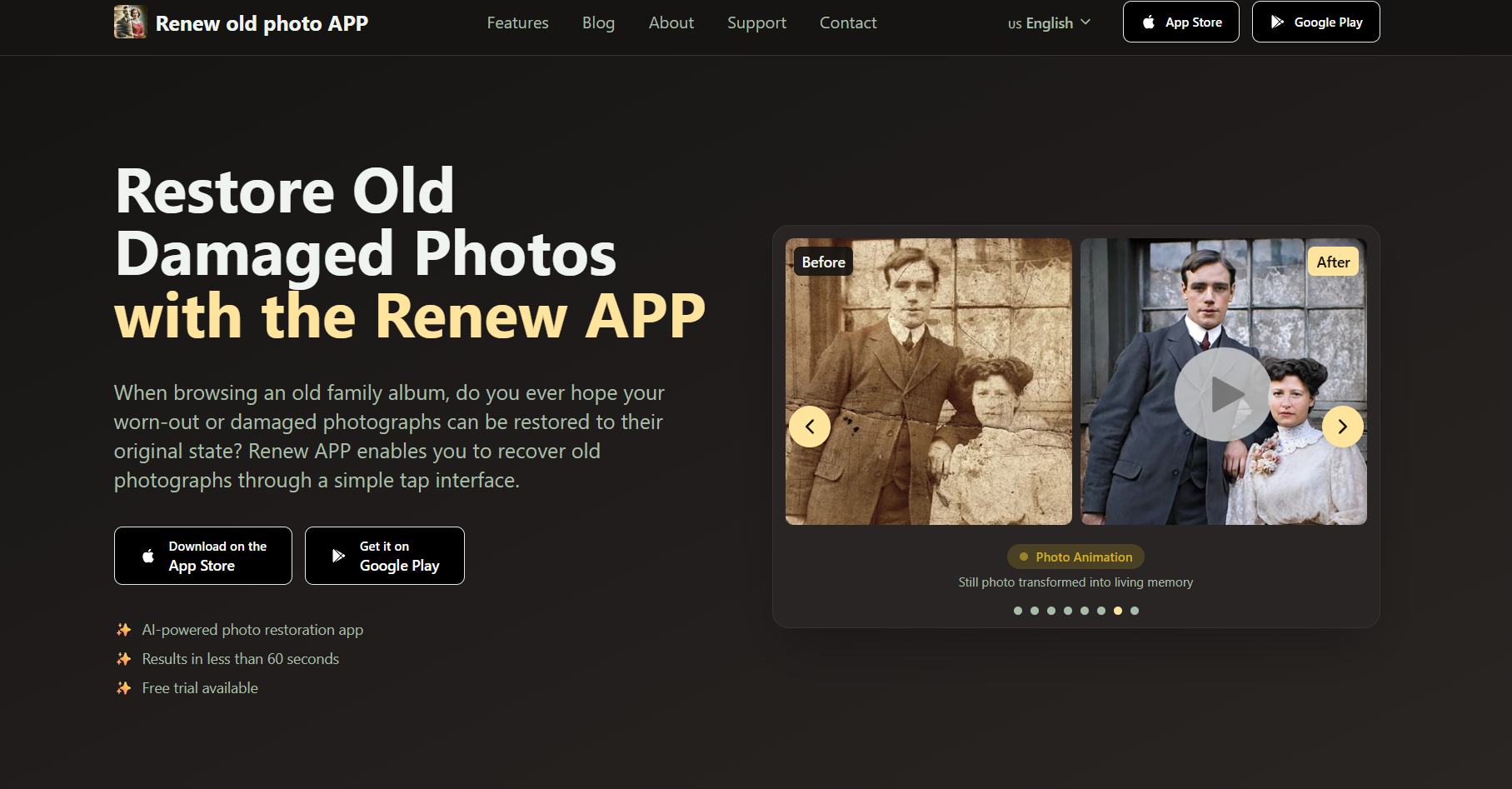
Renew Photo
Renew Photo opens our list of the apps that can edit, improve, and change your images in a way you want. Based on a combination of client feedback, functionality, and speed, this is the number #1 photo restoration app on the market that’s available both through the App Store and Google Play. Here is what you can do with its help:
- Enhance resolution. The app provides face enhancement services: you can vastly improve old, blurry pics or breathe new colors and quality into images that have faded over time.
- Minimize damage. You can correct accidental stains on your photograph, perform automatic tear repair, remove scratches, and re-create the lost pieces in case your pic has been seriously damaged.
- Colorize photos. If you want to see how your old black-and-white pictures would look in color, you can do that with the help of Renew Photo in a few taps. It has many filters to choose from, and they’ll add natural colors to whatever images you have.
- Fix lighting issues. Not everyone is a good photographer, so it’s common to browse your gallery and see images that have far too much lighting or not enough of it. With this app, you can fix such issues with ease.
These are not the only features that Renew Photo possesses. You can use it to combine the images of two people in one picture, introduce AI effects to make the old photo move, and so on.
On Google Play, Renew Photo has over 500K downloads and a rating of 4.9 stars. Considering how many people rated it, it’s clear that nearly everyone likes it. It’s a great rating that most other similar apps can only hope to mimic.
Within the App Store, Renew Photo has 5.9K ratings with a total score of 4.7 stars. It’s free to download, and you can improve a couple of images for free every day. If you’d like to use extra features or hope to restore a big volume of pictures quickly, you’ll need to pay for it.
The app offers a free trial, so users can test its features before committing. Pricing starts at around $10, making it an accessible option for those looking to restore their photos.
The app size is about 95 MB, so it runs smoothly without taking up too much space, even on devices with limited storage.
RetroFix
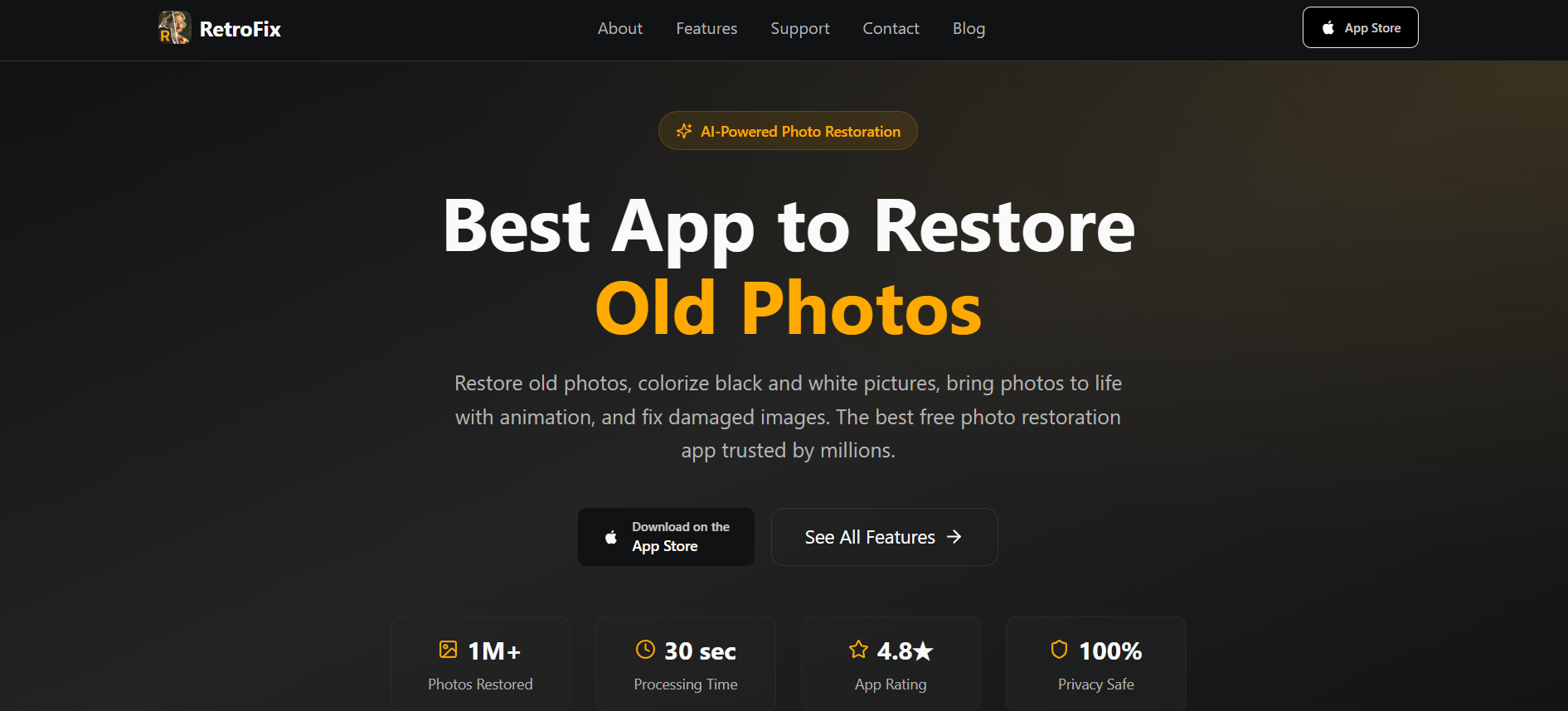
RetroFix is built to handle common photo restoration tasks and improve old images using AI. It focuses on repairing damage, enhancing quality, and adding new visual elements. The app includes several core features:
- Photo restoration. Old, torn, or faded images can be repaired automatically. The system detects damage and improves details to make photos clearer.
- Colorization. Black-and-white pictures can be converted into color with realistic tones. The process is quick and requires minimal input.
- Image enhancement. Blurry or low-quality photos can be sharpened and improved for better clarity. This helps prepare images for sharing or printing.
- Animation. Static photos can be turned into short animations, adding movement to faces and expressions.
RetroFix works through a simple process. First, upload a photo from your device. Then the AI analyzes and restores it automatically. Finally, download the improved version in high quality.
The app is designed to be easy to use, with most actions completed in a few seconds. It supports multiple features in one place, including scratch removal, face enhancement, and combining images.
RetroFix is available on mobile devices and has been used by a large number of users, with generally strong ratings and fast processing times.
PhotoGlory
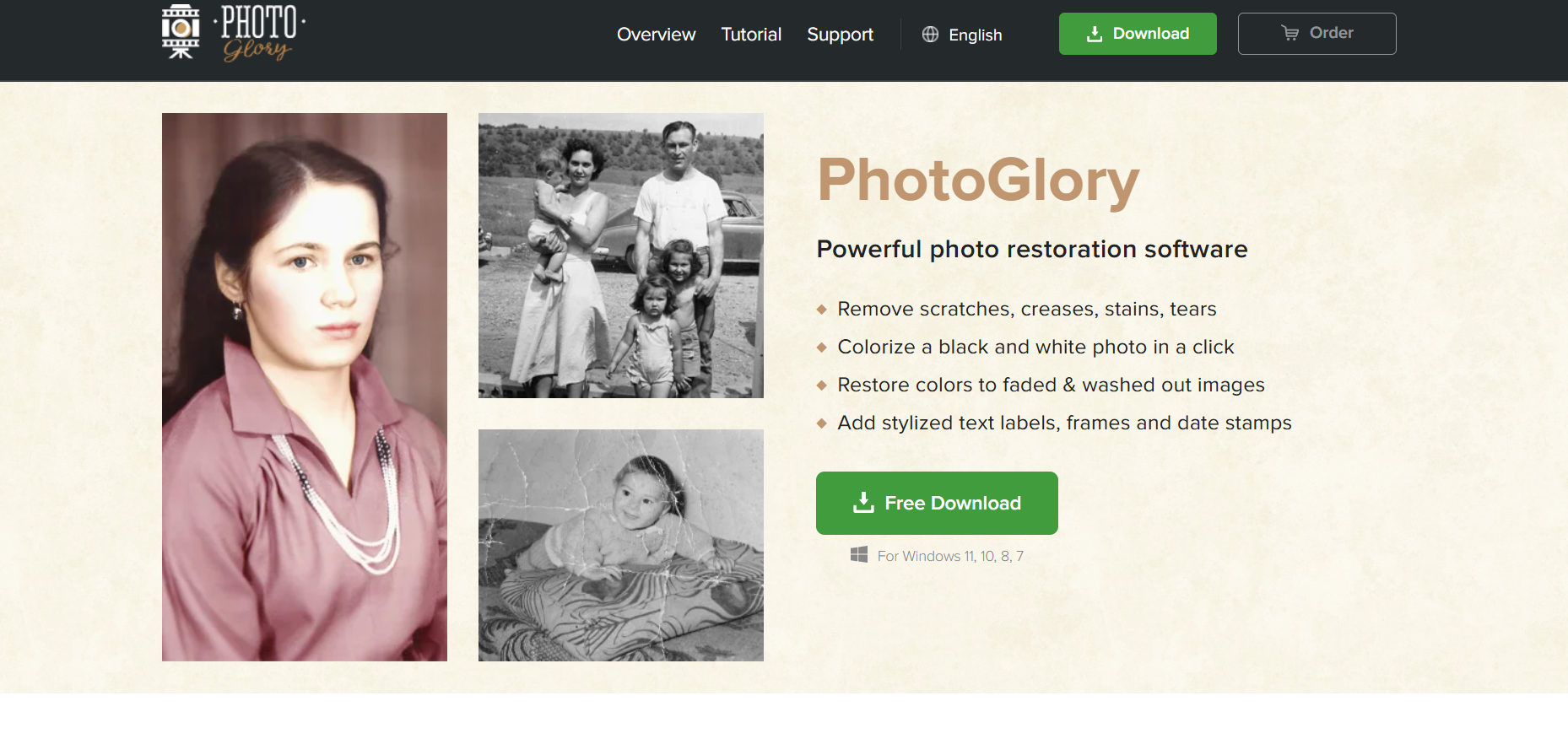
PhotoGlory stays true to its name: it proposes a range of features that help restore older pictures to their past glory. This app can do a lot of things, including:
- Damage removal. If your photo has any scratches, tears, or creases, you can use PhotoGlory to remove the damage. More than that, if you’ve accidentally dropped a cup of coffee on your pic, this app will help you get rid of the stains.
- Color addition. Like all the best apps on our list, this one allows its users to color their black-and-white images in the most natural and authentic colors. If you don’t like the initial result, you can always apply other filters.
- Color restoration. Many photos of the past lose their vividness and become bleak and pale; PhotoGlory lets people rectify this situation. It helps improve and enhance all kinds of washed-out images.
- Elements addition. One of the rarer elements that many other apps lack is the chance to add stylized text labels, date stamps, and other stuff you might want to see on top of your picture.
PhotoGlory is software for a PC, although you can download it on your mobile phone as well. It’s not available through Google Play or the App Store, which can be a drawback for some users.
If you prefer to restore pics from your PC, though, you’ll find it useful for sure. The app has positive reviews from the majority of its users, and it’s available for Windows 7, 8, 10, and 11.
Keep Your Photos Alive
Select the best photo restoration app to refresh the little memory tokens collected throughout your lifetime. Old pics that feel like they are about to fall apart when you touch them, images with low resolution that are hard to distinguish — none of it is a problem any longer.
Check out the apps we recommended. See the full range of their services and terms, and start improving the quality of your photos starting today.
