

Before you even open a logo design tool, one of the most valuable steps you can take is brainstorming. For small businesses and entrepreneurs, jumping straight into design often leads to logos that look nice—but don’t say much about the brand.
That’s where ChatGPT can help. With the right prompts and guidance, it can turn a rough idea into a full set of logo directions.
Let’s explore how to use ChatGPT to think through your logo concept before you ever start designing.
Get Clear on Your Brand’s Identity First
Before asking ChatGPT anything, you need to understand who you are as a brand. A clear identity will help guide every suggestion ChatGPT provides. Take a few moments to define:
- What does your business do?
- Who are your main customers?
- What feeling do you want people to associate with your brand?
These answers are essential. The more detail you can provide to ChatGPT, the better the suggestions will be. For example, instead of saying “I run a coffee shop,” try “I own a cozy neighborhood coffee shop that focuses on locally roasted beans and vintage-inspired interiors.”
Ask ChatGPT for Logo Style Directions
Once your brand identity is solid, ChatGPT becomes a creative partner. You can ask it open-ended questions or give it a few keywords to work with. A good place to start is with logo styles. Try prompts like:
- “Based on my brand description, what logo styles would match?”
- “Can you suggest some visual directions for a modern fitness brand?”
- “What kind of logo would work well for a playful handmade soap company?”
ChatGPT will often offer you categories like minimalist, vintage, abstract, or emblem-based, with reasons why they might suit your brand. Use this to narrow your focus before you dive into visuals.
Use ChatGPT to Generate Logo Element Ideas
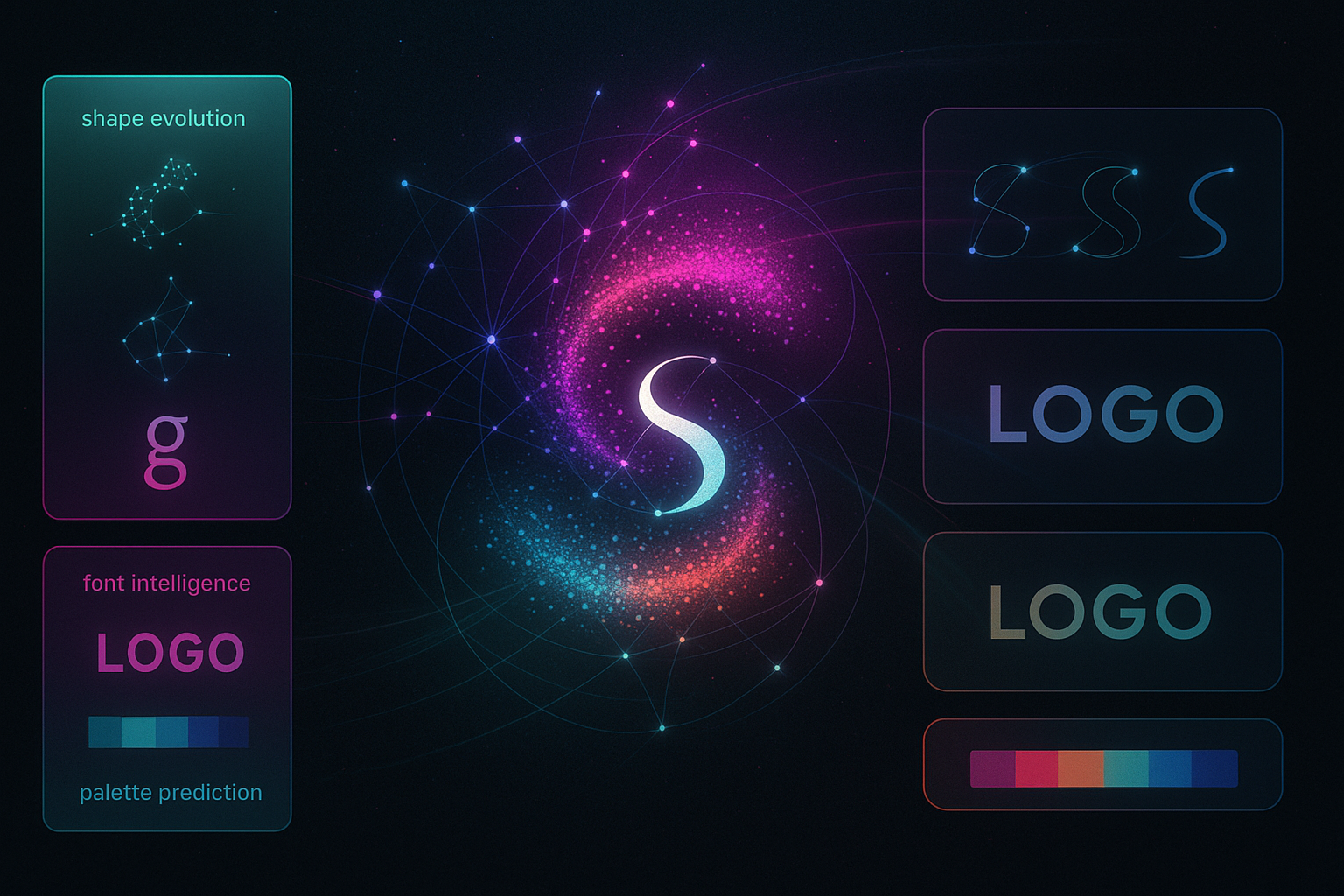
Fonts, colors, icons—these are the building blocks of a good logo. Instead of picking randomly, you can ask ChatGPT for help choosing each piece. For example:
- “What colors communicate eco-friendly and calm?”
- “Suggest icons that could work for a wellness brand.”
- “What typefaces feel modern but still friendly?”
You can also describe your ideal customer and ask what elements might appeal to them. If your audience is mostly busy moms, ChatGPT might suggest soft lines, warm colors, and clear text.
This kind of feedback is especially helpful if you plan to create a logo with AI later—because you’ll already have a direction in mind.
Prompt ChatGPT with These Key Questions
To get the most useful responses, use specific, targeted prompts. Here are some that consistently lead to helpful insights:
- “Describe five logo ideas that reflect trust and innovation.”
- “What iconography might suit a digital learning platform?”
- “Suggest color palettes that work for a youthful clothing brand.”
- “Give me ideas for combining a symbol with my brand name.”
- “What logos from other industries might inspire a financial startup?”
- “How can typography affect how people view my brand?”
- “Write three brand slogans that could be incorporated into a logo design.”
These prompts help you go deeper than the surface, revealing patterns and design angles you might not have thought of.
Once you have several ideas, you can pick a direction and build from there. You don’t need to use everything—just the ones that feel most aligned with your vision.
Turn Your Ideas into Design-Ready Concepts
After brainstorming, organize your ideas. You might write down your:
- Preferred style (e.g. minimalist, retro, geometric)
- Color palette ideas
- Icon suggestions
- Typography style
- Emotional tone (e.g. calm, bold, inspiring)
This mini brand board becomes your creative brief. When you go into a logo generator tool, you’ll already know what you’re looking for.
Many tools, like Turbologo, let you input this type of information directly. That means your results will be closer to what you imagined—and more likely to represent your brand accurately.
Whether you choose to sketch something by hand or create a logo with AI, the ideas you generated with ChatGPT will guide every choice you make.
Conclusion
A great logo starts with a clear idea. ChatGPT can help you explore those ideas in ways that are fast, fun, and surprisingly insightful. You don’t need to be an expert to use it well—you just need to ask the right questions.
Take your time to explore what your brand really stands for, experiment with directions, and let those thoughts shape your design journey. Brainstorming isn’t a step to rush through—it’s the part that makes your logo meaningful.
