

wp:paragraph
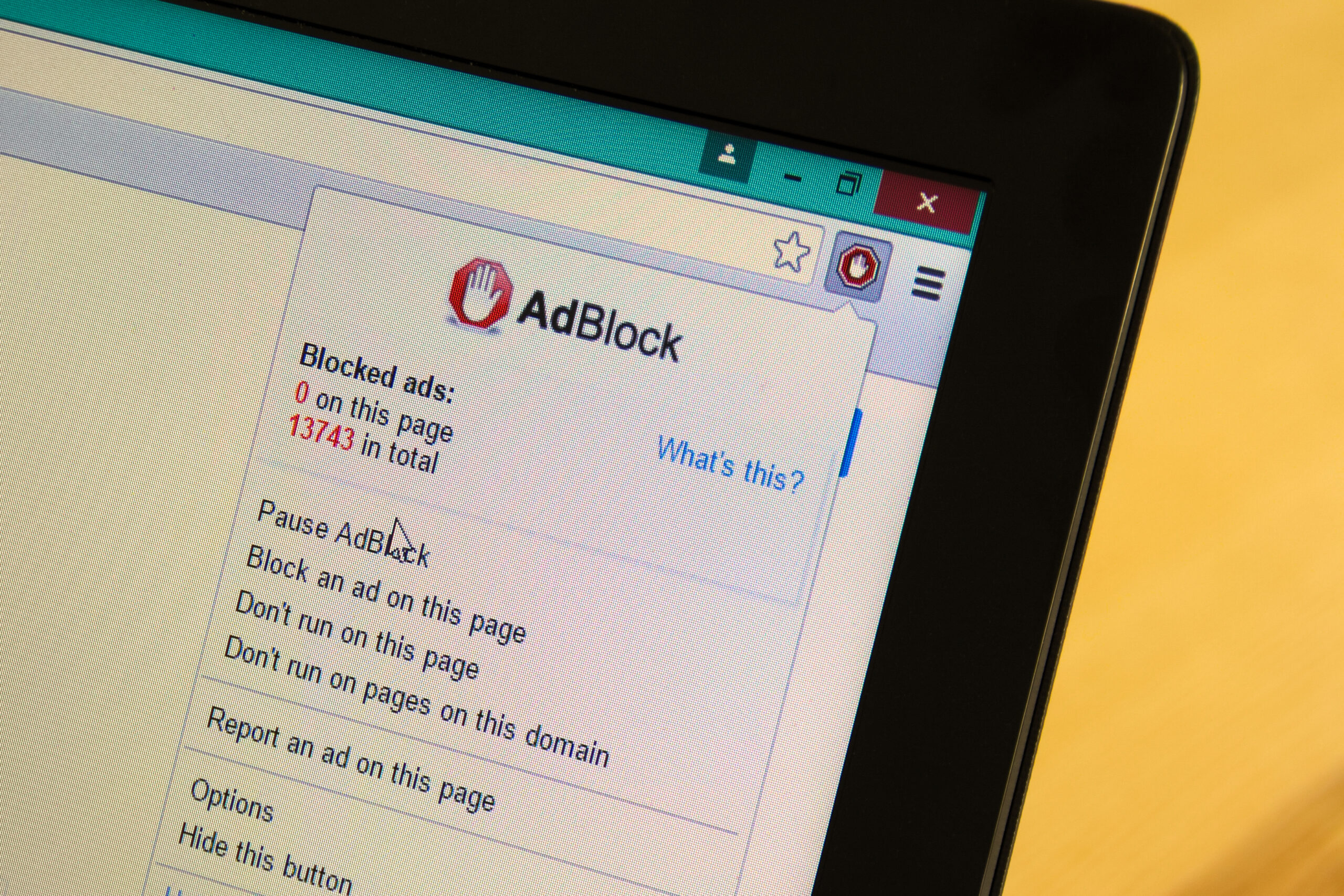
A good Ad Blocker changes the way you browse. It hides video ads, cleans up web pages, and keeps your focus on what matters.
/wp:paragraph
wp:paragraph
With the right tool, you can enjoy streaming, reading, and gaming without distractions. In 2026, ad blockers have become smarter and more powerful than ever.
/wp:paragraph
wp:image {“id”:46929,”width”:”700px”,”sizeSlug”:”full”,”linkDestination”:”none”,”align”:”center”}
/wp:image
wp:heading
Why Ad Blockers Matter?
/wp:heading
wp:paragraph
Ads are not just pictures or banners anymore. They come as auto-playing videos, pop-ups, or long breaks in your favorite shows. While ads help websites earn money, for users they often feel overwhelming.
/wp:paragraph
wp:paragraph
Ad blockers give you balance. They let you enjoy content faster and with less stress. Many also protect you from hidden risks inside ads. The right tool keeps your browser clean and your screen calm.
/wp:paragraph
wp:heading {“level”:3}
The Rise of Intrusive Video Ads
/wp:heading
wp:paragraph
Video ads are everywhere—before a clip, in the middle of a show, or even when you pause. They take time, break your focus, and can feel endless. Some ads can last longer than the videos themselves.
/wp:paragraph
wp:paragraph
This is why people search for solutions. Video ad blockers skip those interruptions. They let you stream music, watch tutorials, or enjoy live events without losing patience. In 2026, blocking video ads is one of the most wanted features for internet users.
/wp:paragraph
wp:heading {“level”:3}
How Ads Affect User Experience?
/wp:heading
wp:paragraph
When ads load, websites slow down. They use extra data, eat more battery, and distract you from the main content. Imagine opening an article but waiting 10 seconds for a video ad to finish. That time adds up.
/wp:paragraph
wp:paragraph
Ads can also affect mood. Too many interruptions make people leave sites early. A good blocker fixes this by removing the clutter. It keeps your screen simple, so you focus on what you came for.
/wp:paragraph
wp:heading {“level”:3}
Protecting Privacy and Security
/wp:heading
wp:paragraph
Not all ads are safe. Some carry trackers that follow your clicks, searches, or even location. Companies then use this data to push more ads your way. For many, it feels like losing control of privacy.
/wp:paragraph
wp:paragraph
Strong ad blockers stop these trackers. They cut the link between you and data collectors. Some even block harmful scripts hidden inside banners. With them, browsing becomes safer, faster, and more private.
/wp:paragraph
wp:heading
Best Ad Blocker Extensions
/wp:heading
wp:image {“id”:46928,”width”:”700px”,”sizeSlug”:”full”,”linkDestination”:”none”,”align”:”center”}

/wp:image
wp:paragraph
Here’s a quick look at the best ad blocker extensions in 2026. Each of them offers something unique—whether it’s better privacy, smoother video streaming, or built-in extras.
/wp:paragraph
wp:table
| Ad Blocker | Video Ad Blocking | Privacy | Ease of Use | Extra Features |
| Standsapp – Smarter Blocking | ★★★★★ | ★★★★★ | ★★★★★ | YouTube blocking, anti-tracking |
| AdGuard – Extra Features | ★★★★☆ | ★★★★☆ | ★★★★☆ | App blocking, parental control |
| uBlock Origin – Lightweight | ★★★★★ | ★★★★☆ | ★★★★☆ | Open-source filters |
| AdBlock Plus – Widely Supported | ★★★★☆ | ★★★★☆ | ★★★★★ | Acceptable Ads program |
| Ghostery – Privacy Focused | ★★★★☆ | ★★★★★ | ★★★★☆ | Tracker analysis |
| Brave Browser – Built-In | ★★★★☆ | ★★★★★ | ★★★★☆ | Private browser with blocking |
/wp:table
wp:heading
Standsapp – A Smarter Way to Block Video Ads
/wp:heading
wp:paragraph
Standsapp is built for people who watch videos every day. It removes ads before and during clips, making YouTube and streaming smooth. With anti-tracking features, it also protects your privacy.
/wp:paragraph
wp:paragraph
The setup is simple. Once installed, it works right away without extra steps. For anyone tired of long video ads, Standsapp is the smartest choice.
/wp:paragraph
wp:heading
AdGuard – Reliable Blocking with Extra Features
/wp:heading
wp:paragraph
AdGuard blocks ads not only in browsers but also in apps. This makes it different from most extensions. It also offers parental control, which is helpful for families.
/wp:paragraph
wp:paragraph
It handles banners, pop-ups, and video ads. The dashboard is easy to use, and you can adjust settings for different needs. If you want a flexible tool, AdGuard is a solid pick.
/wp:paragraph
wp:heading
uBlock Origin – Lightweight and Open Source
/wp:heading
wp:paragraph
uBlock Origin is fast and light. It uses fewer computer resources, so your device runs smoothly. It’s also open source, meaning the community helps improve it.
/wp:paragraph
wp:paragraph
It blocks banners, video ads, and trackers with strong filters. You can customize it or just let it run by default. For people who like speed and simplicity, uBlock Origin is a great option.
/wp:paragraph
wp:heading
AdBlock Plus – Popular and Widely Supported
/wp:heading
wp:paragraph
AdBlock Plus is one of the most known blockers worldwide. It works on Chrome, Firefox, and many other browsers. It blocks video ads, banners, and pop-ups with ease.
/wp:paragraph
wp:paragraph
It also supports an “Acceptable Ads” program. This lets non-intrusive ads appear, while the annoying ones are blocked. If you want a trusted and balanced option, AdBlock Plus is a top choice.
/wp:paragraph
wp:heading
Ghostery – Privacy-Focused Ad Blocking
/wp:heading
wp:paragraph
Ghostery is best for users who value privacy. It blocks ads and also shows you which trackers try to follow you. You can see detailed reports on who wants your data.
/wp:paragraph
wp:paragraph
It handles banners, pop-ups, and video ads. For people who want control and insight into trackers, Ghostery is very powerful.
/wp:paragraph
wp:heading
Brave Browser – Built-In Ad and Tracker Blocking
/wp:heading
wp:paragraph
Brave is not just an extension—it’s a full browser. Blocking ads and trackers is built in, so you don’t need to install anything extra.
/wp:paragraph
wp:paragraph
It offers strong privacy, faster loading, and even rewards for viewing certain ads if you choose. For users who want an all-in-one solution, Brave is a simple switch.
/wp:paragraph
wp:heading
Key Features to Look For
/wp:heading
wp:paragraph
When picking the right ad blocker, focus on these four areas:
/wp:paragraph
wp:list {“ordered”:true}
- wp:list-item
- Video Ad Blocking Effectiveness: This is the most important feature for many users. A good tool should skip video ads on YouTube, news sites, and streaming platforms. The best blockers cut interruptions smoothly, so you can watch without breaks.
- Ease of Use and Setup: Not everyone wants to spend time adjusting settings. The right extension should start working the moment you install it. A clear dashboard or simple switch makes it easy for beginners.
- Performance and Resource Usage: Some blockers are heavy and can slow your device. The best ones use fewer resources while keeping protection strong. They let you open many tabs without making your browser sluggish.
- Privacy and Security Benefits: Ads often hide trackers or harmful scripts. A strong blocker protects your personal data and prevents companies from following your clicks. This makes your browsing safer and more private every day.
/wp:list-item
wp:list-item
/wp:list-item
wp:list-item
/wp:list-item
wp:list-item
/wp:list-item
/wp:list
wp:heading
Conclusion
/wp:heading
wp:paragraph
Video ads slow down browsing and break focus. The right blocker makes your internet clean, fast, and safe. Tools like Standsapp, AdGuard, uBlock Origin, AdBlock Plus, Ghostery, and Brave all bring unique benefits.
/wp:paragraph
wp:paragraph
Start with one and see how much smoother your experience feels. With an ad blocker, your screen belongs to you again.
/wp:paragraph
wp:heading
Frequently Asked Questions
/wp:heading
wp:heading {“level”:3}
Where can I learn more details about these ad blockers?
/wp:heading
wp:paragraph
For guides, reviews, and updates, visit the Stands Ad Blocker Blog. It’s a great resource to explore new features and stay informed.
/wp:paragraph
wp:heading {“level”:3}
Do ad blockers slow down browsing speed?
/wp:heading
wp:paragraph
No, most actually make pages faster. They cut ads and trackers, so sites load quicker and use less data.
/wp:paragraph
wp:heading {“level”:3}
Are ad blockers safe to use on all websites?
/wp:heading
wp:paragraph
Yes, ad blockers are safe on most sites. They protect your privacy and stop harmful ads. Just install them from official stores to stay secure.
/wp:paragraph
wp:paragraph
/wp:paragraph
