

Remote freelancers often face frustrating barriers: blocked tools, slow connections, and public Wi-Fi risks.
For professionals working from co-working spaces, cafes, or home networks in developing regions, these problems are more than just annoyances—they impact productivity, privacy, and income. That’s why VPNs, especially Chrome extensions, have become essential tools in a freelancer’s digital toolkit.
In this guide, we’ll explore the top free VPN Chrome extensions trusted by freelancers in 2026. You’ll learn which ones offer real security, solid speeds, and seamless integration—without paying a dime.
Why Remote Freelancers Rely on VPNs in 2026?
Common Risks When Working from Public Networks
Public Wi-Fi networks, commonly found in cafes, libraries, and co-working spaces, are convenient but often lack robust security measures.
This makes them vulnerable to man-in-the-middle attacks and other data interception threats. If you’re a freelancer sending proposals, contracts, or payment details, this can put both your business and clients at risk.
Regional Restrictions and Access Limits
In many countries, popular work-related platforms such as Trello, Slack, Asana, or Google Docs may experience throttling or outright blocks.
Freelancers in regions like Africa, Southeast Asia, or parts of the Middle East often find themselves unable to access client-required tools without a reliable VPN.
Why Chrome Extensions Make Sense for Freelancers?
Since Chrome is one of the most widely used browsers globally, it’s logical that VPN extensions for Chrome are in high demand.
These lightweight tools install in seconds and run directly in your browser, requiring no additional setup. This is ideal for freelancers who need fast, secure access without technical complications.
What Makes a VPN Trustworthy for Remote Work?
No-Log Policy & Encryption Basics
The best VPNs ensure they don’t collect your data. A no-log policy guarantees that your browsing history, IP address, and activity aren’t tracked or stored. For freelancers handling client documents and logins, this is essential.
Strong encryption—like AES-256, used by banks and military institutions—ensures that data remains unreadable to hackers or surveillance tools.
Speed and Bandwidth for Productivity
Many free VPNs impose data limits or throttle your speed. That can be disruptive if you’re video-calling a client or uploading a large file. Freelancers need VPNs that maintain solid speeds even during peak hours.
Easy Integration with Chrome Browser
A clean, fast, and intuitive interface is key. The ideal VPN shouldn’t require advanced setup or force you through ads and upsells. Freelancers often multitask, so simplicity and reliability are crucial.
Top Free VPN for Chrome in 2026
X-VPN – Reliable & Lightweight for Freelancers
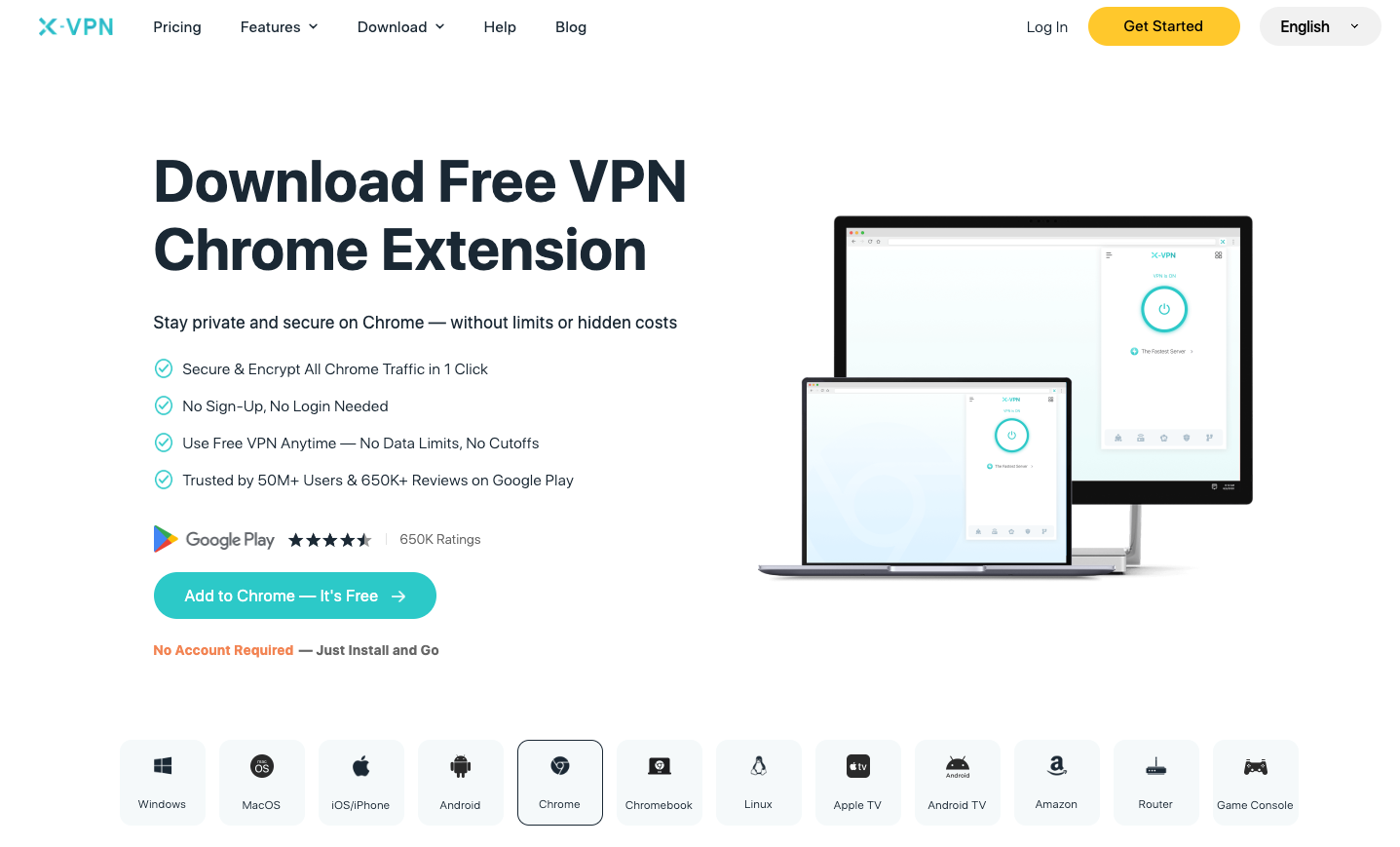
X-VPN’s free Chrome extension is designed for freelancers who need secure, unrestricted access to the web—without the hassle of signing up or worrying about limits.
What makes it stand out is that you don’t need to register to use the free version. It includes military-grade AES-256 encryption, a strict no-log policy, and unlimited data usage—making it both private and practical.
For freelancers working across public Wi-Fi or restricted regions, X-VPN delivers peace of mind without compromising on speed or ease of use.
You can get started quickly by installing this free VPN for Chrome and protecting your browsing sessions instantly.
ProtonVPN – Ideal for Always-On Privacy
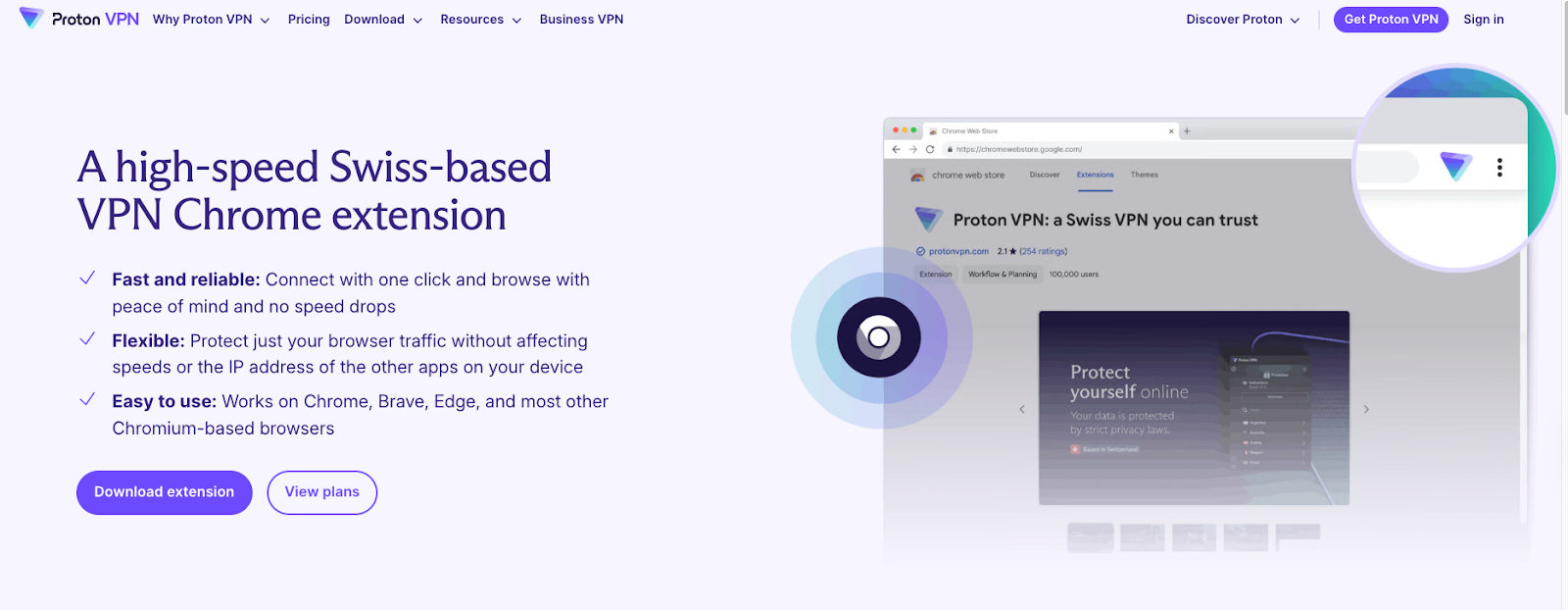
ProtonVPN is best for freelancers who work long hours online and need consistent, private protection without worrying about data limits.
Its biggest advantage is unlimited bandwidth on the free plan—meaning you can stay connected all day without hitting a cap. It’s backed by a trusted privacy-first company and doesn’t serve ads or collect personal browsing data.
The Chrome-compatible app is clean and easy to navigate, though server choices are limited in the free version. This tradeoff is worth it if your priority is always-on security while sending files, using cloud tools, or handling sensitive communications.
For privacy-focused freelancers, ProtonVPN keeps your online activity shielded at all times, no matter how long you’re logged in.
TunnelBear – Simple and Secure for Occasional Use
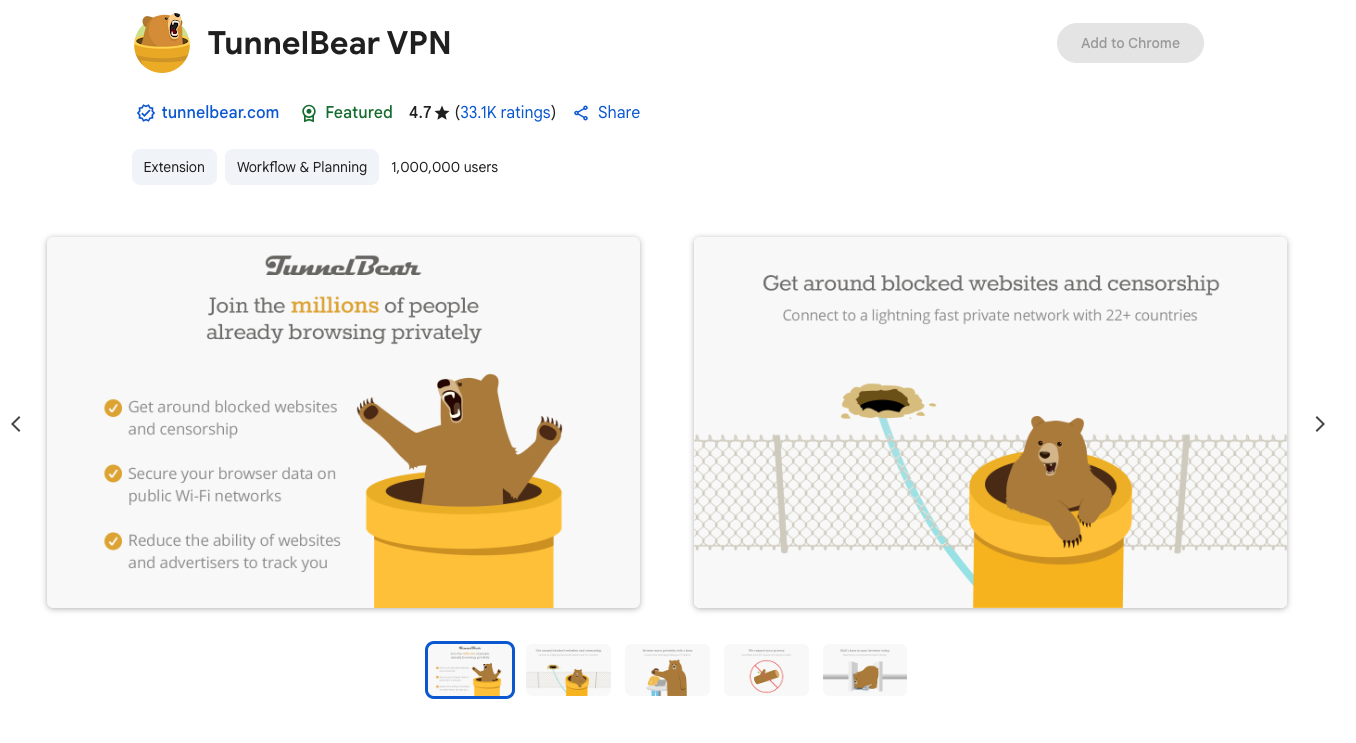
TunnelBear is ideal for freelancers who only need a VPN from time to time—such as unblocking a specific site or securely logging in from a coffee shop.
What makes it shine is its simplicity. With an intuitive interface and visual design, even those new to VPNs can get connected in seconds.
It includes 500MB of free monthly data, which isn’t much, but enough for occasional secure sessions or brief tool access when needed. It also doesn’t overwhelm users with settings, which is great for busy freelancers who just want to toggle on and get moving.
If you need a plug-and-play VPN that works when you need it—without learning curves—TunnelBear delivers.
Windscribe – Best for Power Users Who Need Flexibility
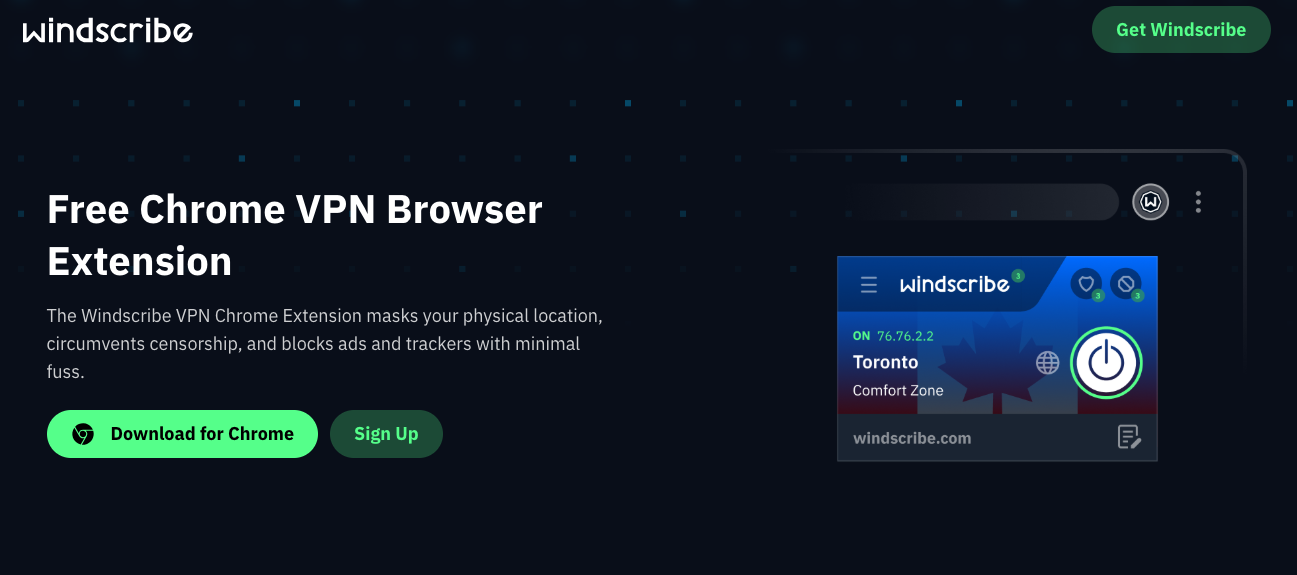
Windscribe is a solid pick for freelancers who want more control over their connection and a little extra breathing room with data.
It offers 10GB of free monthly data, which is generous for a free VPN. Freelancers juggling multiple platforms will appreciate features like built-in ad blockers, tracker protection, and multiple location options. Its Chrome extension lets you tweak settings and choose optimized servers, so you’re not stuck with a one-size-fits-all setup.
Windscribe is the best match for freelancers who prefer customization and plan to use their VPN regularly without diving into paid plans.
Hide.me – A Steady Option for Light Daily Use
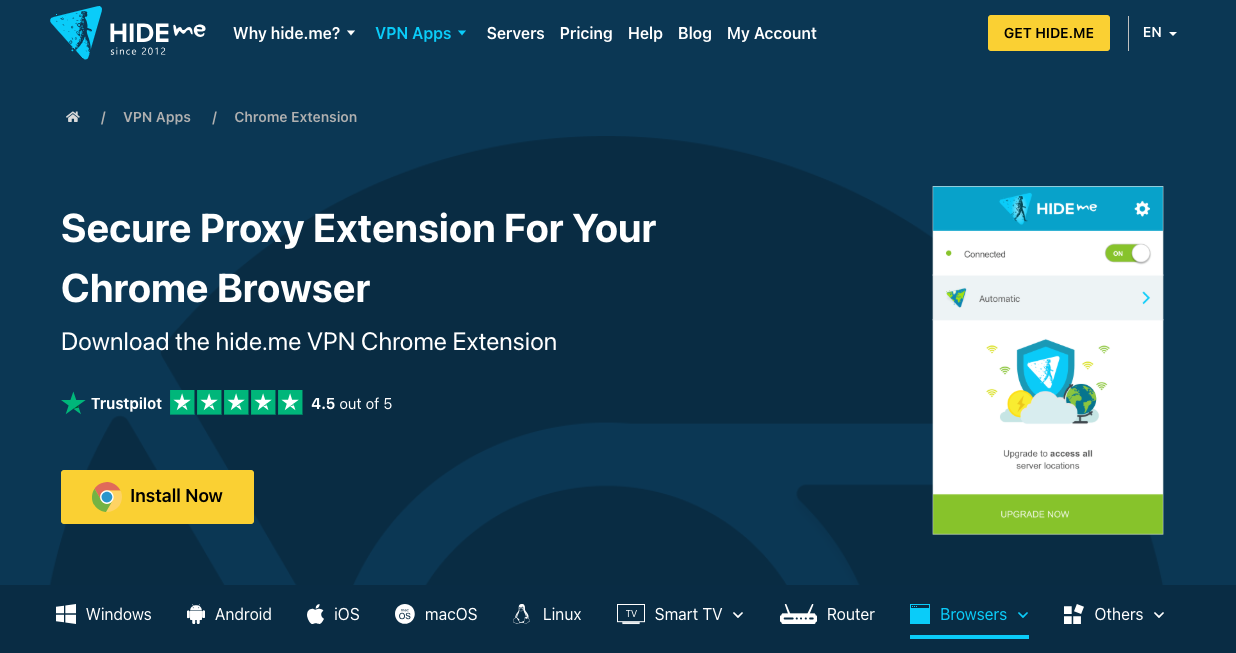
Hide.me is great for freelancers who want something that just works—stable speeds, clean interface, and no surprises.
It includes 10GB of data monthly, five server locations, and strong encryption. You don’t need an account to use it, and the extension doesn’t spam you with pop-ups. While it’s not the fastest option under pressure, it holds up well for tasks like sending emails, managing files, or logging into online work platforms.
For freelancers who need a trustworthy and unobtrusive VPN for day-to-day tasks, Hide.me offers a well-rounded balance of speed and simplicity.
How to Choose the Right VPN Based on Your Location?
Server Location Matters
If you’re in Southeast Asia or Africa, VPNs with servers nearby (Singapore, India, South Africa) usually provide better speeds. Always test the closest available region first.
Support & Updates
Check that the VPN provider maintains their Chrome extension regularly and offers support in case of issues.
Quick Guide: Installing a Chrome VPN
- Go to the Chrome Web Store.
- Search for your selected VPN (e.g., X-VPN).
- Click “Add to Chrome.”
- Open the extension and click “Connect.”
- Test your connection by visiting a geo-restricted site.
It takes less than a minute—and saves you from hours of blocked work.
Real Scenarios Where VPNs Help Freelancers
Case 1: Freelance Writer in Nigeria Accessing Blocked Platforms
A copywriter in Lagos might find themselves unable to access Grammarly or Trello due to local ISP restrictions. A free Chrome VPN lets them bypass these blocks and keep up with deadlines.
Case 2: Digital Marketer in the Philippines Managing International Clients
Running ads or handling analytics tools across regions can be tricky if platforms geo-lock access. A reliable VPN helps digital marketers test campaigns as if they were in the target country.
Case 3: Web Developer in Pakistan Uploading Code from Cafés
Public Wi-Fi is often a breeding ground for snoopers. A developer using GitHub and cloud storage tools can keep code safe while traveling or working remotely using a secure Chrome VPN.
What to Avoid in “Free” VPNs
- Hidden tracking: Some free VPNs log and sell your data. Always read their privacy policy.
- Data caps too low for work: Avoid VPNs that cut off after 100–300MB per day.
- Pop-ups and spam: Intrusive interfaces slow you down and hurt productivity.
Final Take: Stay Secure Without Paying a Dime
In 2026, remote freelancers have access to several free VPN Chrome extensions that offer reliable security and performance.
By choosing a VPN that aligns with their specific needs and testing its capabilities, freelancers can ensure secure and unrestricted internet access without incurring extra costs.
FAQ – Freelancers & Chrome VPNs
Q: Will a free VPN slow down my internet?
A: Most free VPNs have speed limits, but tools like X-VPN and ProtonVPN are known for solid performance.
Q: Can I use these VPNs on mobile?
A: Many Chrome VPNs also have mobile apps. X-VPN, for example, supports Android and iOS.
Q: Is it legal to use VPNs for freelance work?
A: In most countries, yes. Just don’t use them for illegal activities.
