

Digital connections have come a long way. From bulky VGA cords to sleek, high-speed HDMI cables, today’s setups demand clean signal transmission and broad compatibility.
But as home theaters, gaming rigs, and streaming devices evolve, so do the expectations for HDMI performance. Consumers now face a surprising variety of cable types, specs, and versions all labeled “HDMI,” yet not all are the same.
To make a smart choice, you need to know what the different HDMI labels actually mean in real-world terms. This guide breaks down the key HDMI types, version differences, and performance specs so you can match the right cable to your setup with confidence.
The Basics Behind HDMI Standards
HDMI (High-Definition Multimedia Interface) is the universal standard for transmitting digital video and audio between devices. Introduced in 2003, it replaced older analog systems and quickly became the go-to interface for everything from televisions and Blu-ray players to gaming consoles and laptops.
The HDMI standard ensures all-digital, uncompressed data is delivered with minimal lag and loss, offering clearer images and richer sound than older formats ever could.
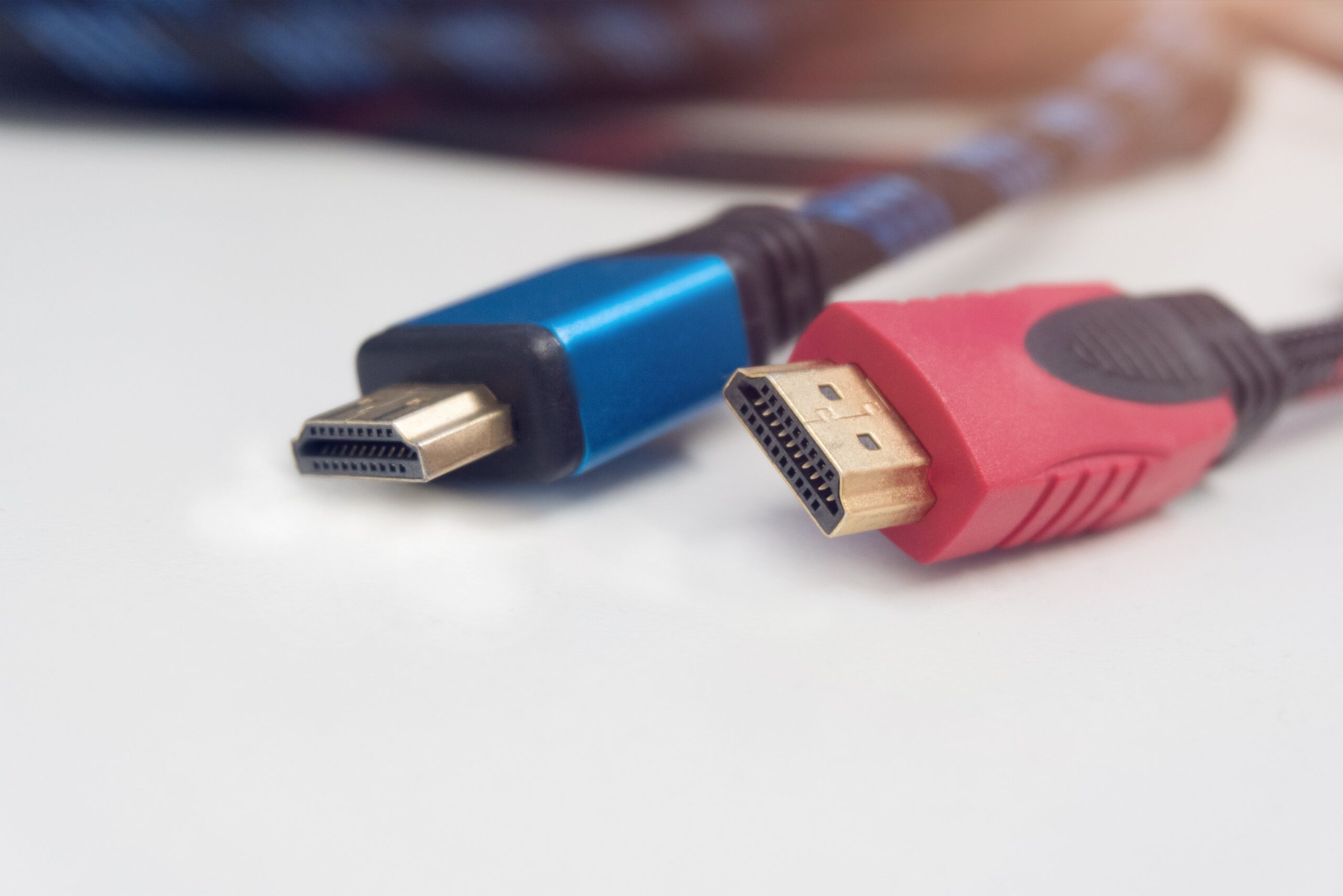
At its core, every HDMI cable handles video and audio through a series of pins housed in the familiar connector. However, the capabilities of each cable differ dramatically based on which version of HDMI it’s built to support.
While all HDMI types share a similar physical design, their bandwidth limits, supported features, and resolutions vary depending on both cable construction and HDMI version.
If your devices support features like HDR, Dolby Atmos, or variable refresh rate (VRR), using a basic HDMI 1.4 cable could hold you back. That’s why knowing the distinction between HDMI versions is key to unlocking performance potential.
Different HDMI Cable Types
Beyond version numbers, HDMI cables also come in different categories based on speed and shielding. The four most common types include:
- Standard HDMI Cables: These support 720p and 1080i video resolutions. Rarely used today unless connecting older AV gear.
- High-Speed HDMI Cables: Designed for 1080p and 4K (at 30Hz). They support Deep Color and 3D and are fine for basic 4K streaming setups.
- Premium High-Speed HDMI Cables: A 4K HDMI cable supports 4K resolution at 60Hz, along with HDR and a wider range of colors. Great for modern TVs and streaming boxes.
- Ultra High-Speed HDMI Cables: Certified for HDMI 2.1 performance, these cables handle 8K video and 4K video with 120Hz, and all advanced gaming and audio features.
The outer build of the cable also matters. Braided HDMI cords offer more durability, while gold-plated connectors improve corrosion resistance without affecting signal quality.
For long cable runs, especially over 25 feet, consider active HDMI cables or fiber optic HDMI solutions to avoid signal degradation.
HDMI Versions and Their Capabilities
Each new HDMI version builds on the previous one, expanding the features it can carry. While most consumers recognize HDMI 1.4 and HDMI 2.0, the jump to HDMI 2.1 brought massive performance gains. Here’s a breakdown:
- HDMI 1.4 introduced 1080p and limited 4K support at 30Hz. It was also the first to include audio return channel (ARC) and 3D support.
- HDMI 2.0 significantly improved 4K performance, enabling 60Hz playback, better color depth (up to 12-bit), and full support for dual video streams.
- HDMI 2.1 elevated the format further with support for 8K at 60Hz, 4K at 120Hz, dynamic HDR, eARC (enhanced ARC), VRR for gaming, and up to 48Gbps bandwidth.
Choosing a cable that supports HDMI 2.1 is ideal for next-gen consoles, premium TVs, and high-performance audio systems. Still, it’s important to note that both the cable and the device must support the same version to fully unlock the features.
Match Cables to Your Setup
The right HDMI cable depends on the devices you’re connecting. For a basic setup—say, a streaming stick to a 1080p TV, a standard high-speed cable will work fine. But for 4K gaming at high refresh rates, you’ll want a premium or ultra-high-speed cable.
If you’re running a home theater system with a soundbar or AV receiver, opt for a cable with eARC support. This ensures full-resolution audio formats like Dolby TrueHD and DTS:X pass through from your TV to your audio gear.
Gamers should prioritize features like VRR and ALLM (Auto Low Latency Mode), both supported by HDMI 2.1 and only accessible with compatible cables. And if you plan on upgrading to an 8K display, you’ll need to future-proof with ultra-high-speed HDMI now.
Avoid Common Mistakes
Many consumers fall into the trap of buying overpriced or poorly labeled cables. Avoid cables marketed as “HDMI 2.1” without proper certification. Look for Ultra High-Speed HDMI labels and packaging with QR codes linked to official HDMI Licensing Administrator verification.
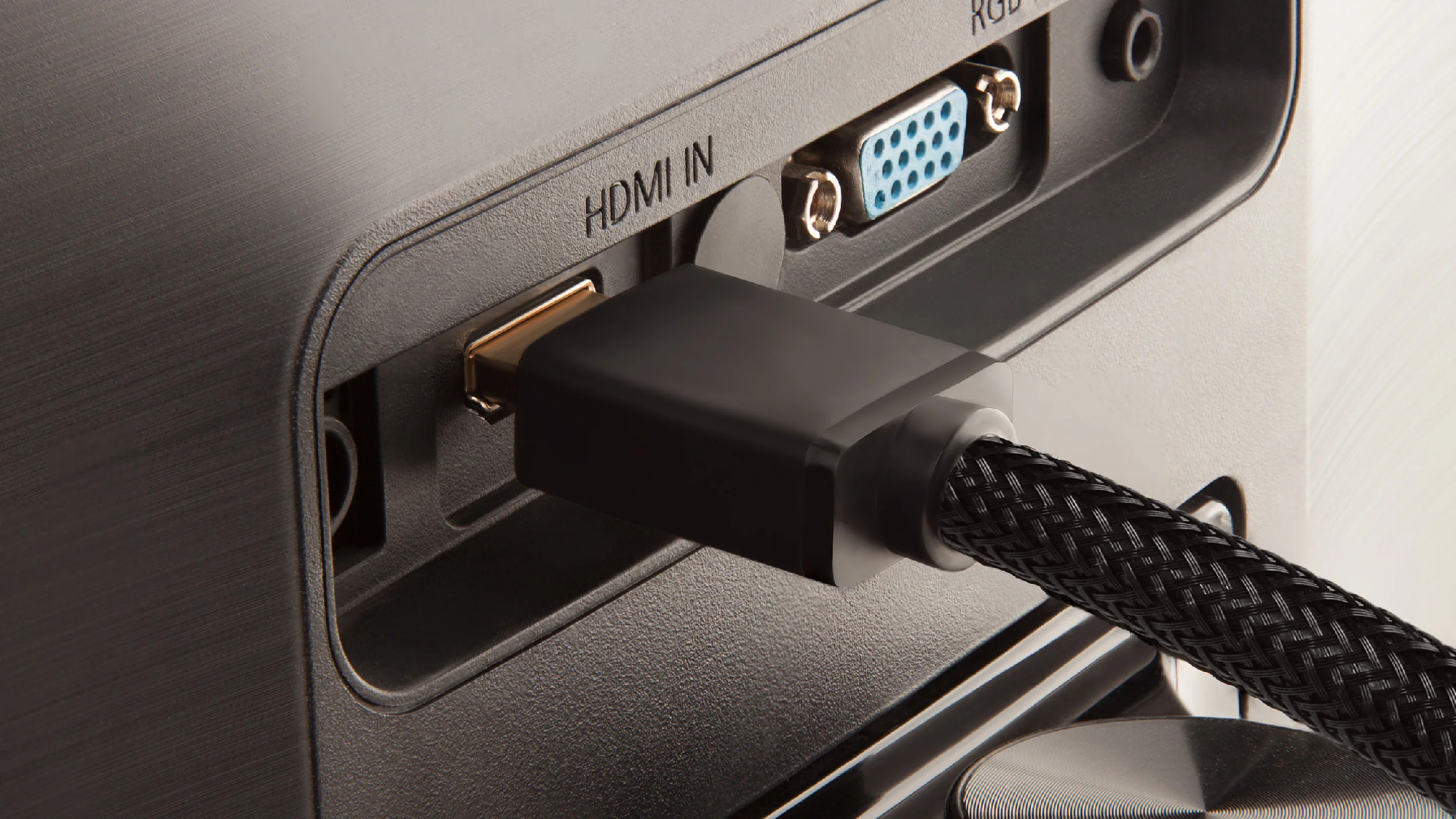
Watch out for compatibility bottlenecks. Plugging a premium HDMI 2.1 cable into an old HDMI 1.4 port won’t give you faster speeds. The cable can’t outperform the port or device it’s connected to.
Finally, don’t assume that thicker cables equal better performance. While heavy-duty shielding can improve durability, signal quality depends more on internal construction and version compliance.
