

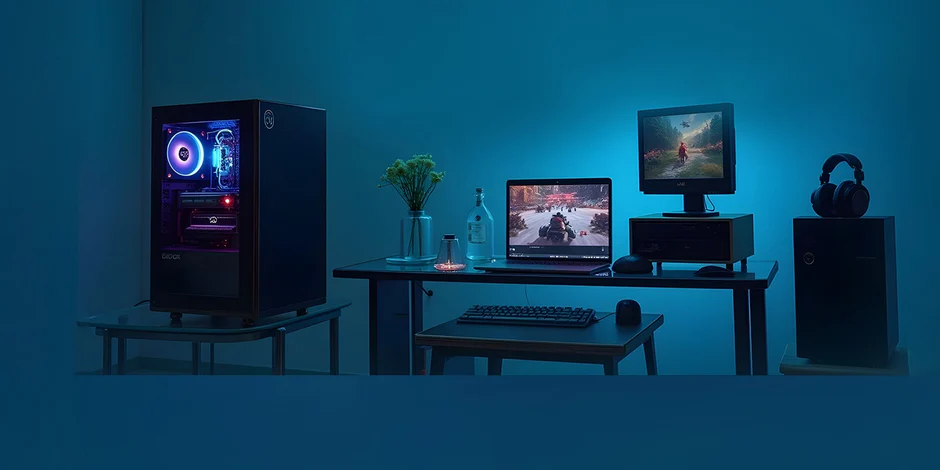
In the world of competitive gaming, even the smallest performance edge can mean the difference between victory and defeat. Whether you’re a seasoned esports pro or an aspiring contender, having the right gaming setup is essential. From hardware to software, every component plays a crucial role in enhancing your performance, precision, and reaction times.
In this guide, we’ll break down how to optimize your setup for peak competitive performance, with insights grounded in technical expertise and industry best practices.
1. Invest in a High-Performance Monitor
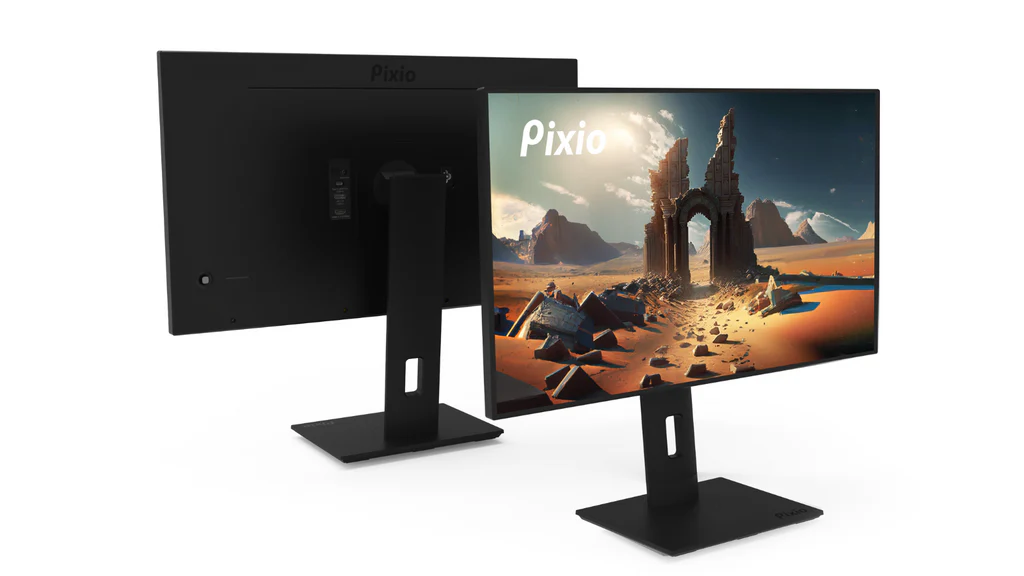
Your monitor is your window into the game. For competitive gaming, refresh rate and response time are key.
- Refresh Rate: Aim for at least 144Hz, though 240Hz or higher is ideal for FPS and fast-paced games.
- Response Time: Look for 1ms GtG response time to minimize motion blur and ghosting.
Also, make sure to enable G-Sync (for NVIDIA GPUs) or FreeSync (for AMD GPUs) to reduce screen tearing.
2. Choose a Low-Latency Gaming Mouse and Keyboard
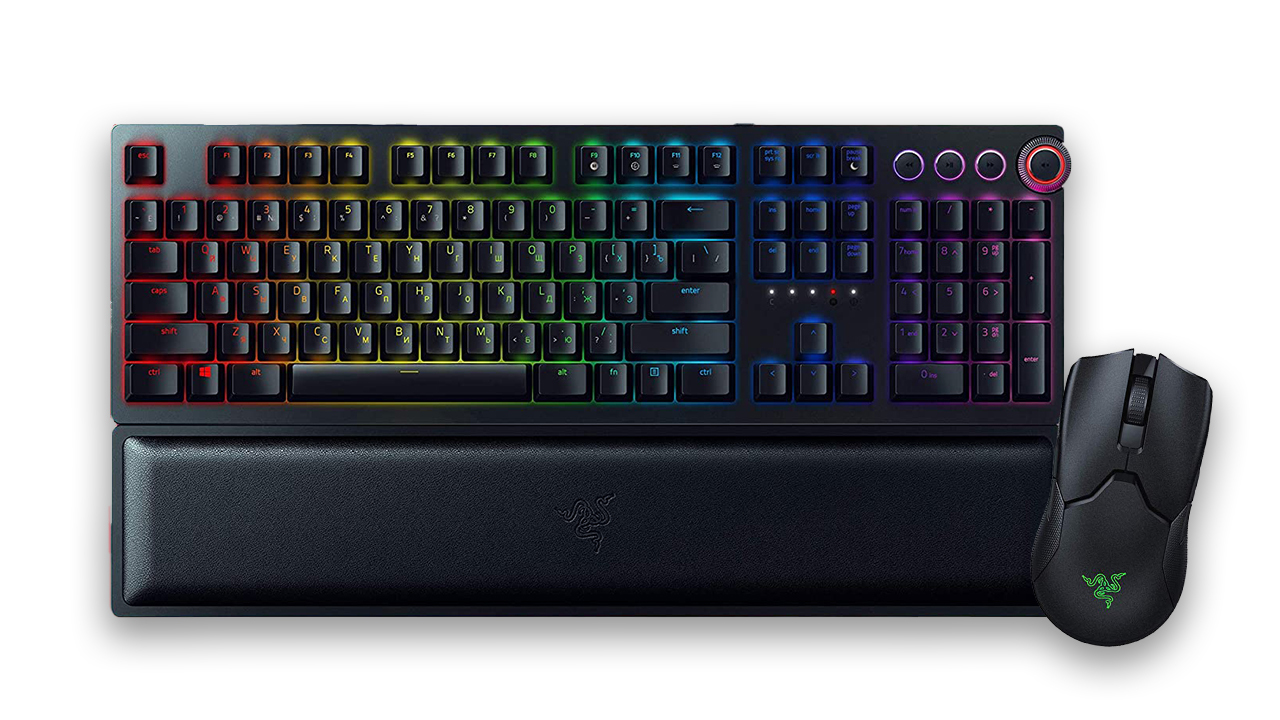
Peripheral precision is vital. Use a wired gaming mouse with a high DPI range and a polling rate of 1000Hz. Mechanical keyboards with linear switches (like Cherry MX Red or Speed Silver) are often preferred for fast input registration.
Consider mousepads that offer a balance of control and glide, and keep them clean and free from debris.
3. Prioritise a Stable Internet Connection
In competitive gaming, network stability often matters more than raw speed.
- Use wired Ethernet instead of Wi-Fi.
- Aim for a ping under 30ms and a packet loss near 0%.
- Consider gaming routers with QoS (Quality of Service) settings that prioritize gaming traffic.
4. Fine-Tune Your PC for Performance
Make sure your system is optimized to minimize input lag and frame drops:
- Keep GPU drivers updated (via NVIDIA GeForce Experience or AMD Adrenalin).
- Enable Game Mode in Windows and disable unnecessary background processes.
- Set your game’s priority to high via Task Manager.
- Maintain optimal temperatures with quality airflow or liquid cooling.
5. Optimize In-Game Settings for Frame Rate
While ultra graphics settings may look stunning, competitive gamers prioritize FPS over visuals.
- Lower texture and shadow quality for smoother performance.
- Disable unnecessary effects like motion blur or film grain.
- Set render resolution to native and cap your FPS slightly below your monitor’s max refresh rate for consistency.
6. Use Ergonomics to Your Advantage
Physical comfort directly impacts reaction time and long-term performance.
- Use a height-adjustable chair with lumbar support.
- Position your monitor so the top is at or slightly below eye level.
- Ensure your arms rest at a 90-degree angle when using your keyboard and mouse.
7. Stay Informed and Up-to-Date
Technology evolves rapidly. Stay current with the latest gaming gear reviews, hardware news, and performance tips from trusted sources. Platforms like Tech Garena are excellent for comparing gear, finding performance benchmarks, and staying ahead of the competitive curve.
Final Thoughts
Competitive gaming isn’t just about raw talent—it’s about refining every element of your setup to gain a measurable edge. From hardware choices to ergonomic posture, each detail contributes to your overall performance.
With a properly optimized environment and the right knowledge, you’re not just playing—you’re competing at your full potential.
